
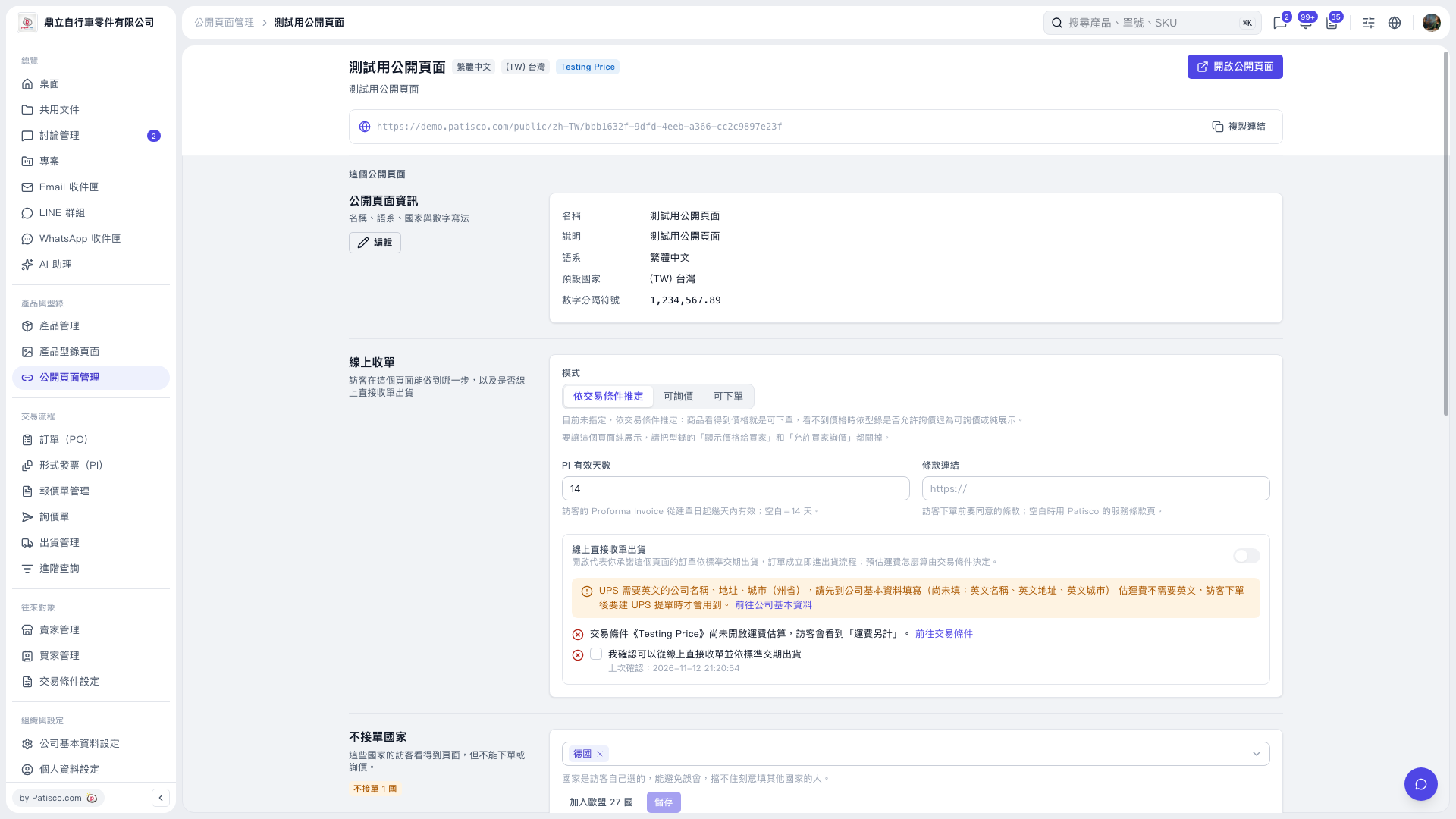
1. Find the “Countries from which orders are not accepted” section near the bottom of the public page settings page. 2. Click the country dropdown and select a country to restrict, such as Germany. To add all EU countries at once, click “Add all 27 EU countries.” 3. Review the list, then click “Save.” Visitors from these countries can still browse the public page, but cannot place POs or submit inquiries.
 V5 新桌面版|測試用公開頁面