
1. Under "Organization & Settings" on the left, select "Personal Settings" and find the "Account Security" section. 2. To change your login email, click "Change" to the right of "Login Email", enter your current password, then open the confirmation email in your new mailbox and click the confirmation link. 3. To change your password, click "Change Password" to the right of "Password" and follow the steps. After the change, you will need to sign in again on other devices.
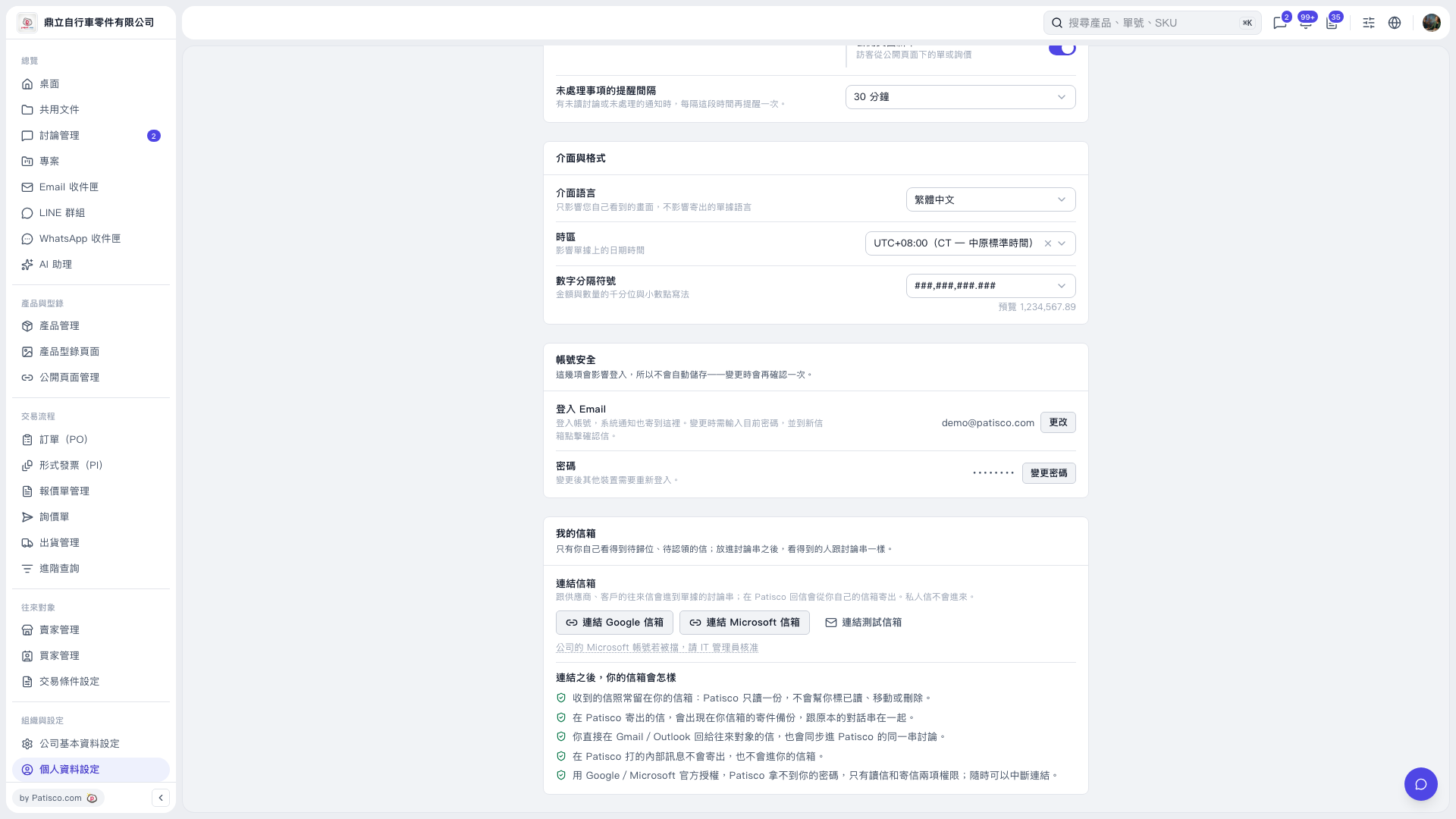 V5 新桌面版|個人資料設定