
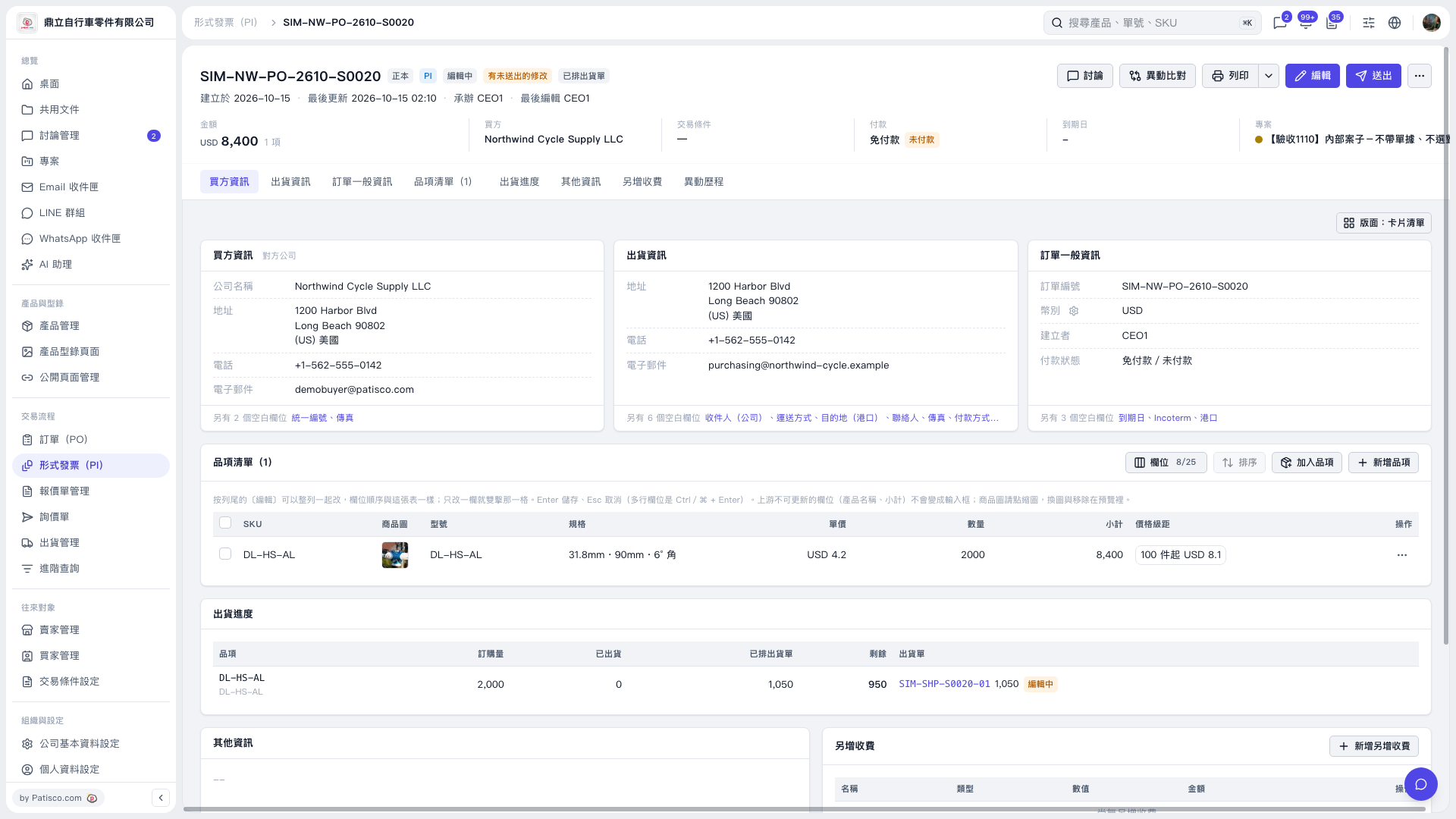
1. Find the item you want to modify in the Proforma Invoice's item list, and copy the product name you want to enter. The current screen does not show a product name field, so have the text ready first. 2. Double-click the item's "Specifications" cell, then paste or type the product name. 3. Press Enter to save. For a multiline field, press Ctrl/⌘ + Enter to save. To cancel the change, press Esc. 4. Check that the specifications, unit price, quantity, and subtotal are correct. When you need to send the Proforma Invoice, click "Send" in the upper-right corner.
 V5 新桌面版|SIM–NW–PO–2610–S0020