
1. Find the item you want to modify in the item list, then click "Edit" on the right side of that row. 2. Select the existing value in the "Unit Price", "Quantity", or "Net Weight per Carton" field, then delete it. 3. Press Enter to save. To cancel the change, press Esc. For multiline fields, use Ctrl/⌘ + Enter to save. 4. Item changes are saved immediately; you do not need to click "Edit" in the upper-right corner of the page. This test confirmed that after clearing the unit price, quantity, and net weight per carton, the values remained blank when the data was reloaded, while the existing price tiers were retained.
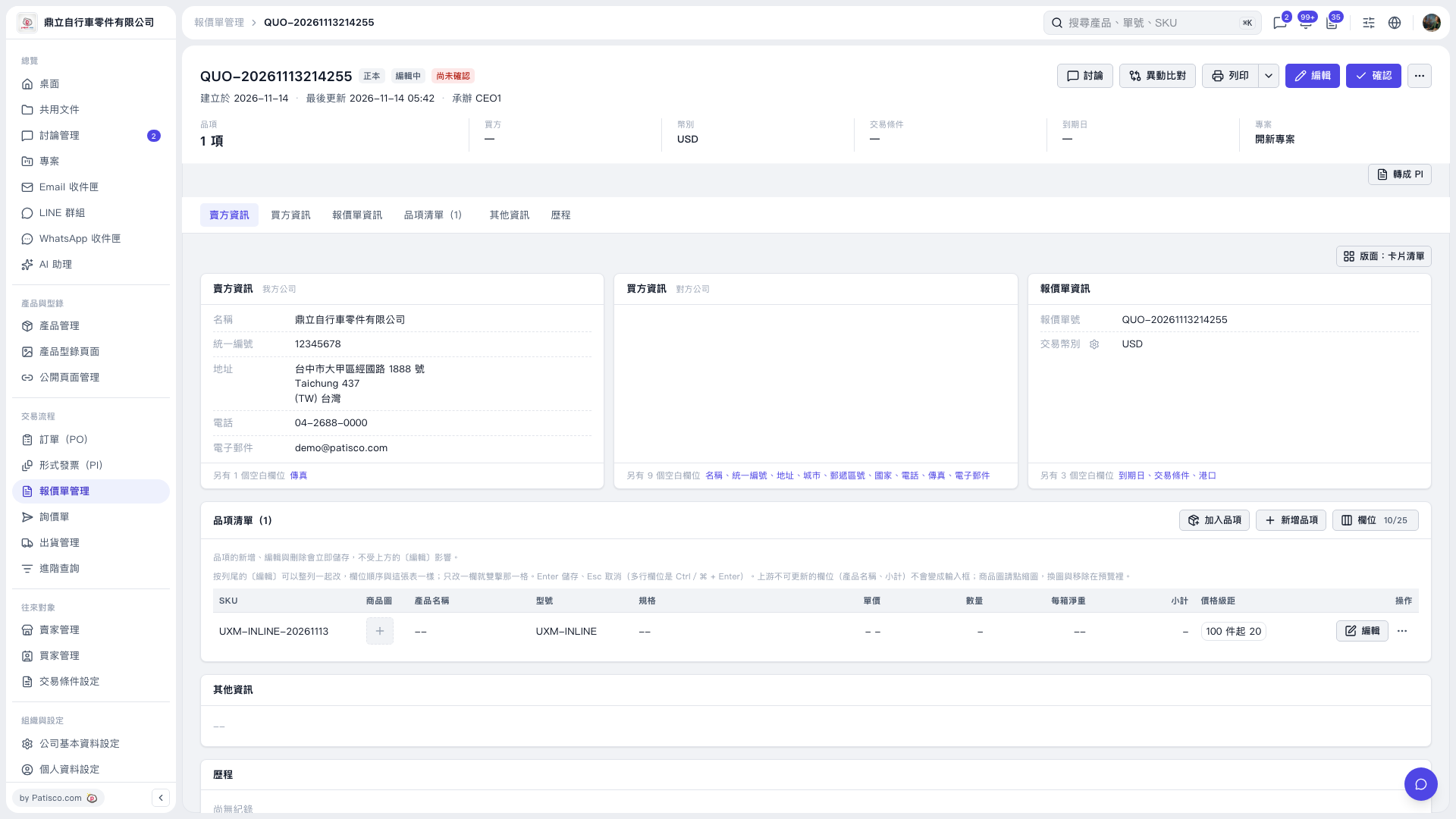 V5 新桌面版|QUO-20261113214255