
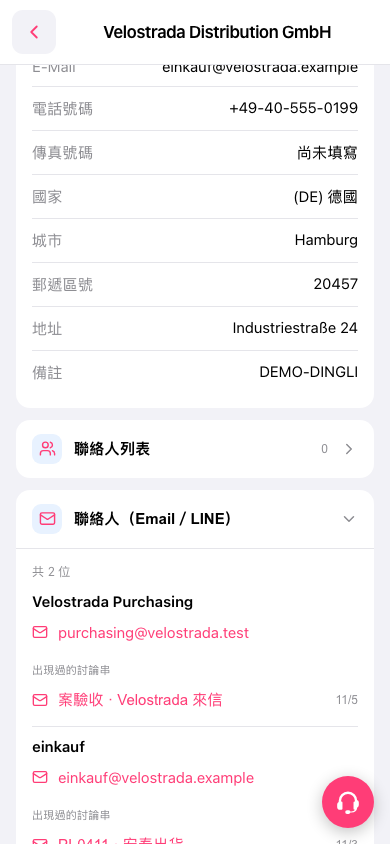
1. On the company details page for the buyer “Velostrada Distribution GmbH,” expand “Contacts (Email / LINE).” 2. Find “Threads this contact has appeared in” below the contact details. Tap a title, such as “Project acceptance · Email from Velostrada,” to view the correspondence. 3. Scroll down to view the remaining threads for the second contact.
 手機版|Velostrada Distribution GmbH