
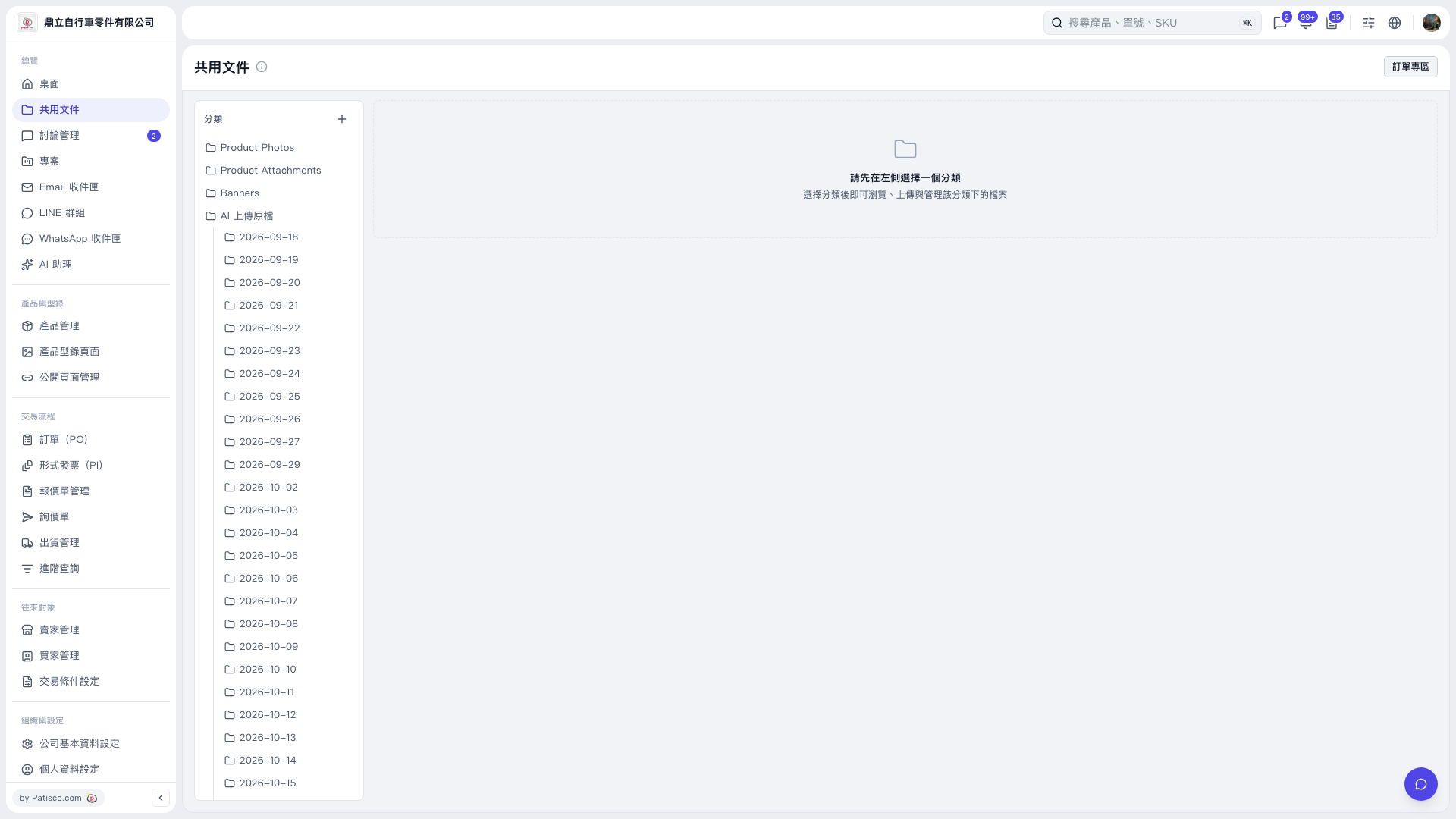
1. Open “Shared Documents” and select a folder in the category panel on the left, such as “Product Photos” or a date folder under “Original Files Uploaded to AI.” 2. After selecting a category, you can browse, upload, and manage its files on the right. 3. You can ask the AI: “Are there categories for UPS Waybills and Product Photos?” The AI would reply: “The UPS Waybills category has not been created yet. The Product Photos category exists.”
 V5 新桌面版|共用文件