
1. In the discussion thread, press and hold the message you want to link to a project. 2. Tap "Link to Project" in the menu to open the project selection panel. 3. The panel shows "Use the Same Project as the Previous Message", suggested projects, and "Other In-Progress" projects. In this test, there were 0 suggested project rows and 6 rows under "Other In-Progress".
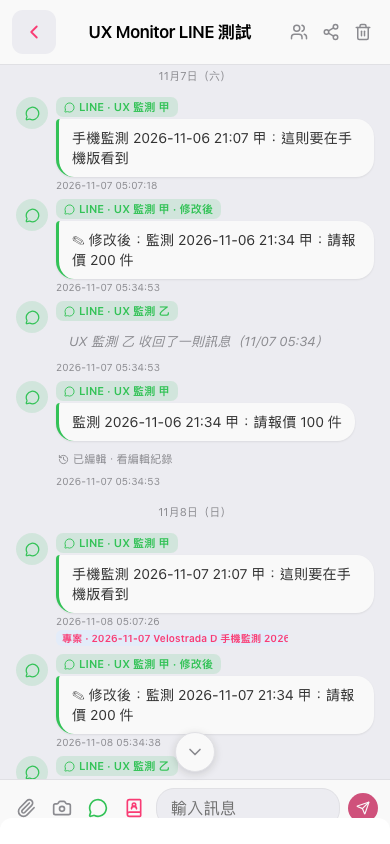 手機版|UX Monitor LINE 測試