
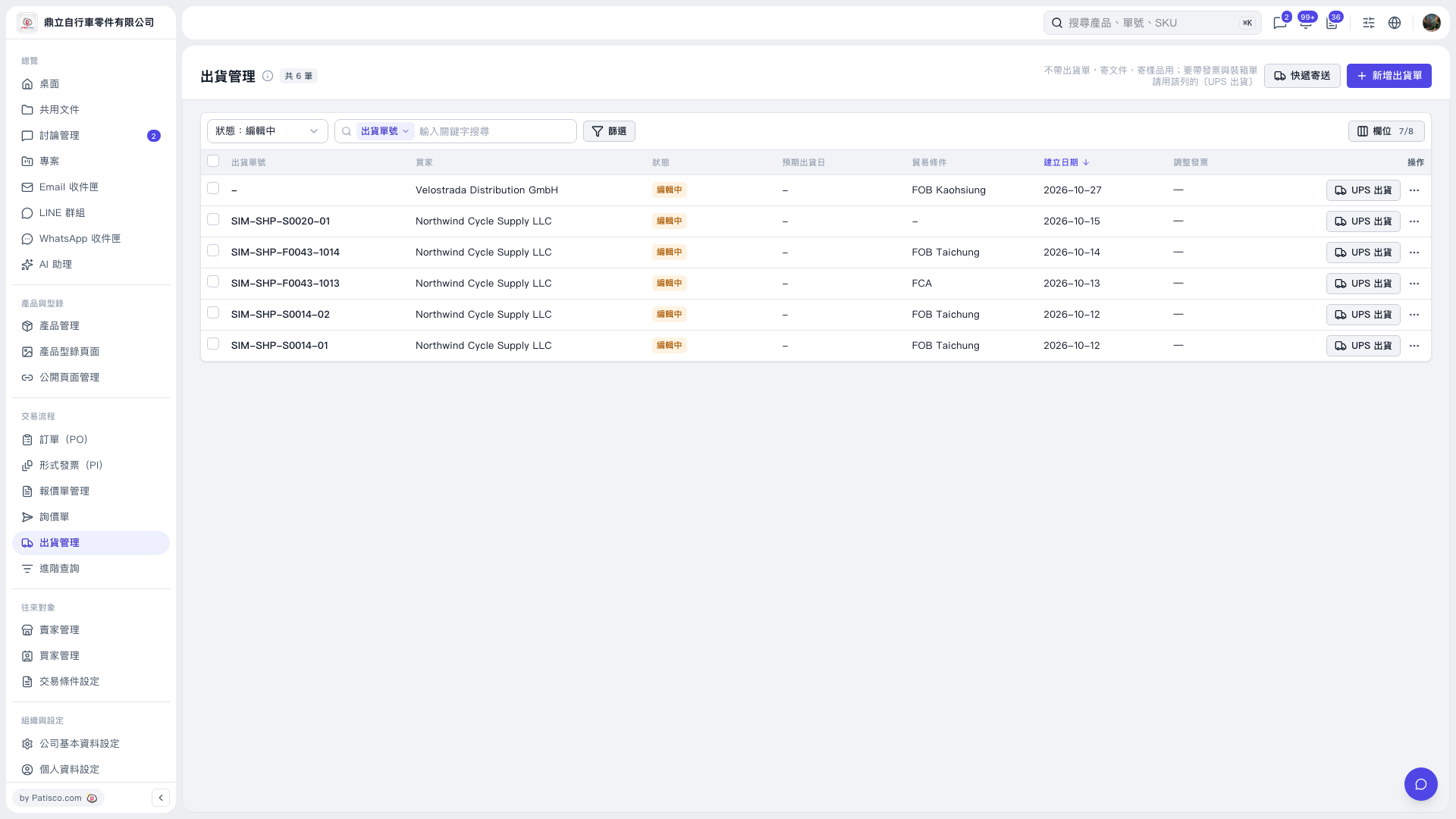
1. In the “Shipping Management” list, find the matching shipment. You can narrow the results with “Status: Editing”, the search field, or “Filter”. 2. Click “UPS Shipping” on the right side of that shipment to go to the corresponding shipping process. 3. If the shipment has not been created yet, first click “Add Shipment” at the top right to start creating it.
 V5 新桌面版|出貨管理