
1. Open the Proforma Invoice, confirm the number is “PI-2026-0411”, and check the buyer and the total amount. 2. Look at the “Payment” summary in the page header, or “Payment Status” under “General Order Information”. The screen currently shows “No payment required / Unpaid”. 3. You can ask the AI assistant: “How do I get a payment link?” The AI assistant would reply: “There is no payment link. It may have already been paid or archived.” This is a possible reason suggested by the AI; this screen does not let you confirm a payment record or find where to get a payment link.
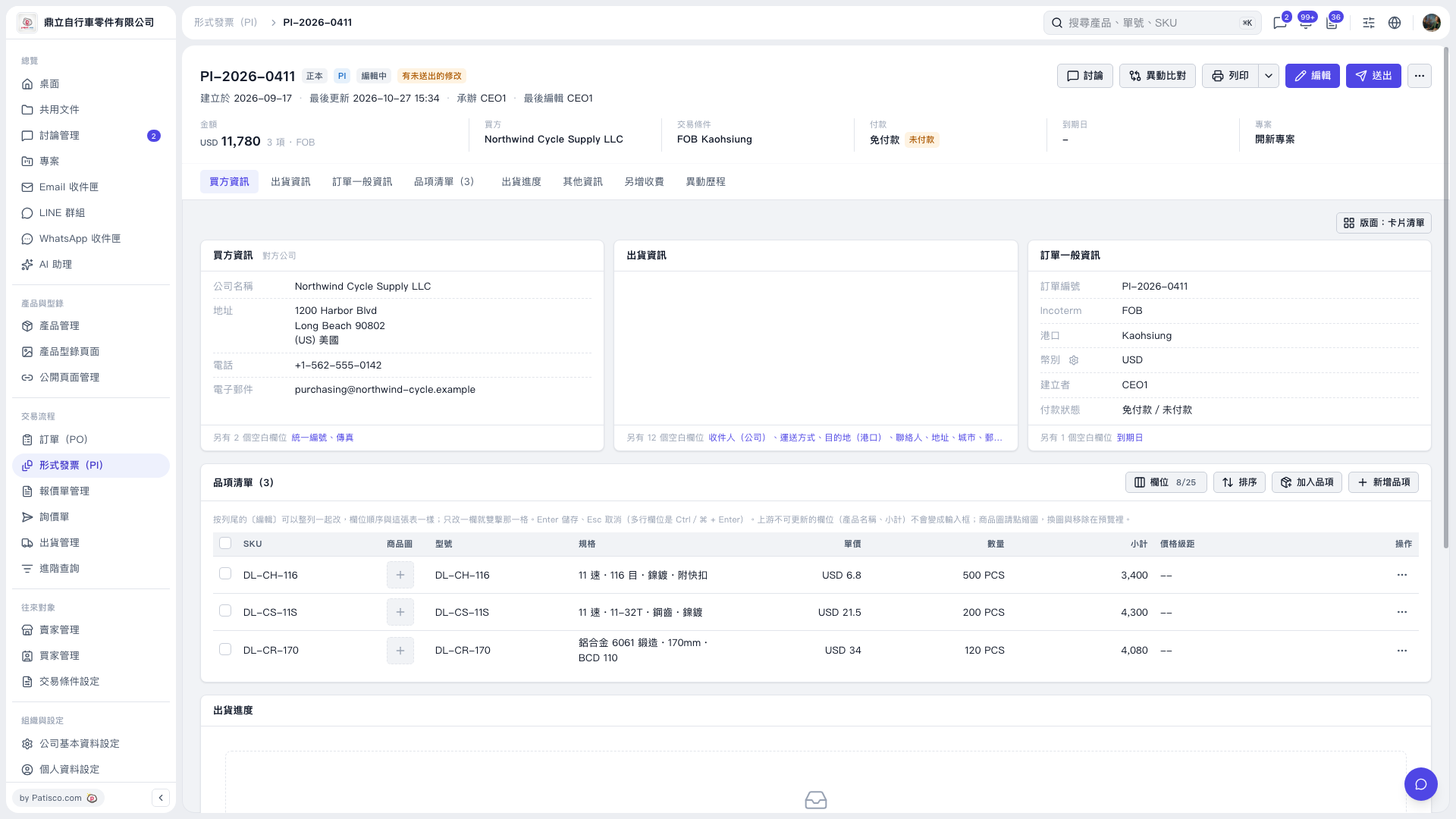 V5 新桌面版|形式發票 PI-2026-0411