
1. On the “AI assistant” page, click “New chat”, or select an existing chat history title on the left. 2. Above the message input box, click the quick flow you need, such as “Compare two documents”, “Convert a customer's order into a PO for the supplier”, or “The customer replied, help me see how to respond”. 3. Add your request in the message input box. If you need to attach a file, click the paperclip icon. 4. Press Enter or click the paper plane icon to send the message. To start a new line, press Shift + Enter.
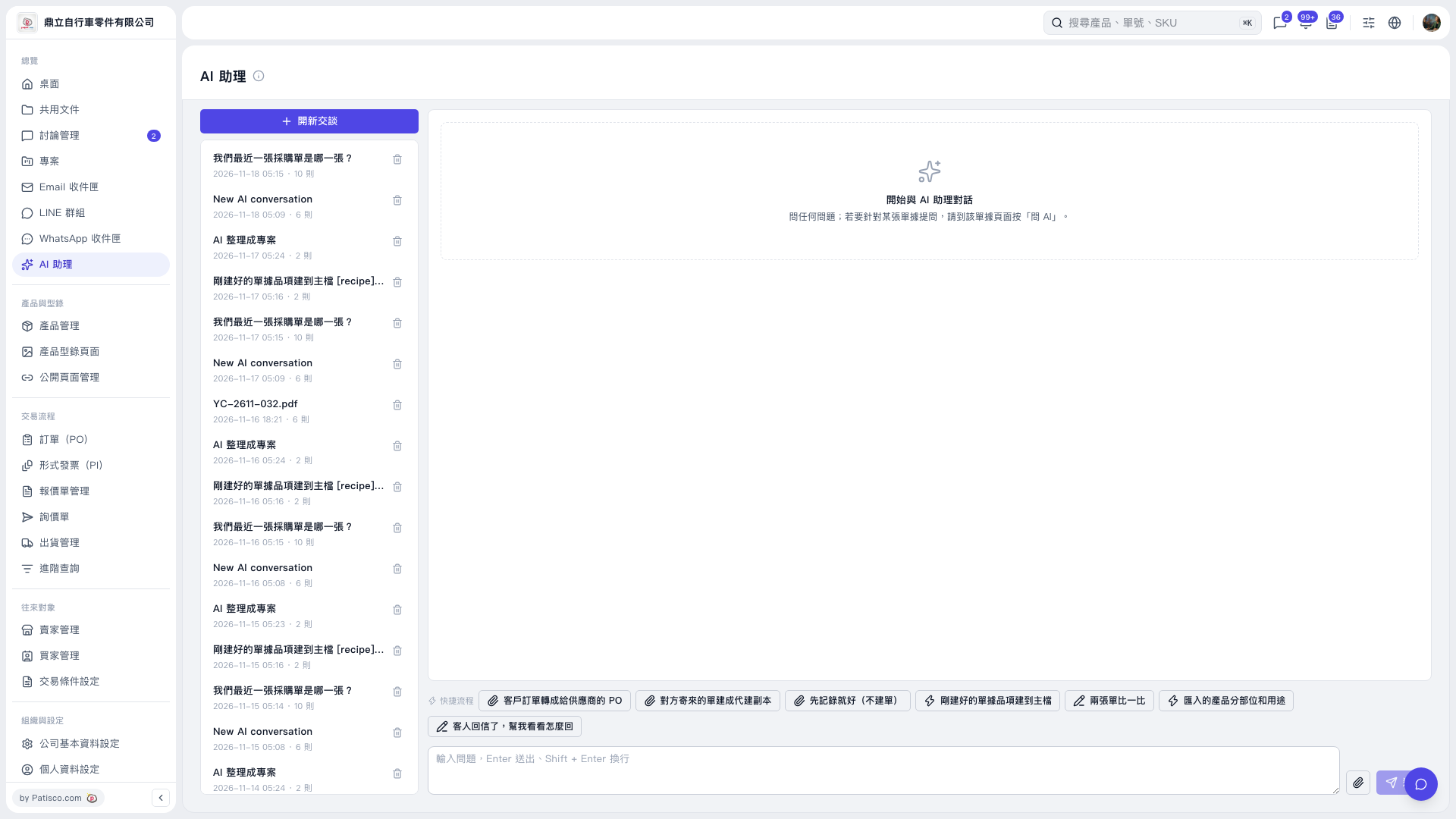 V5 新桌面版|AI 助理