
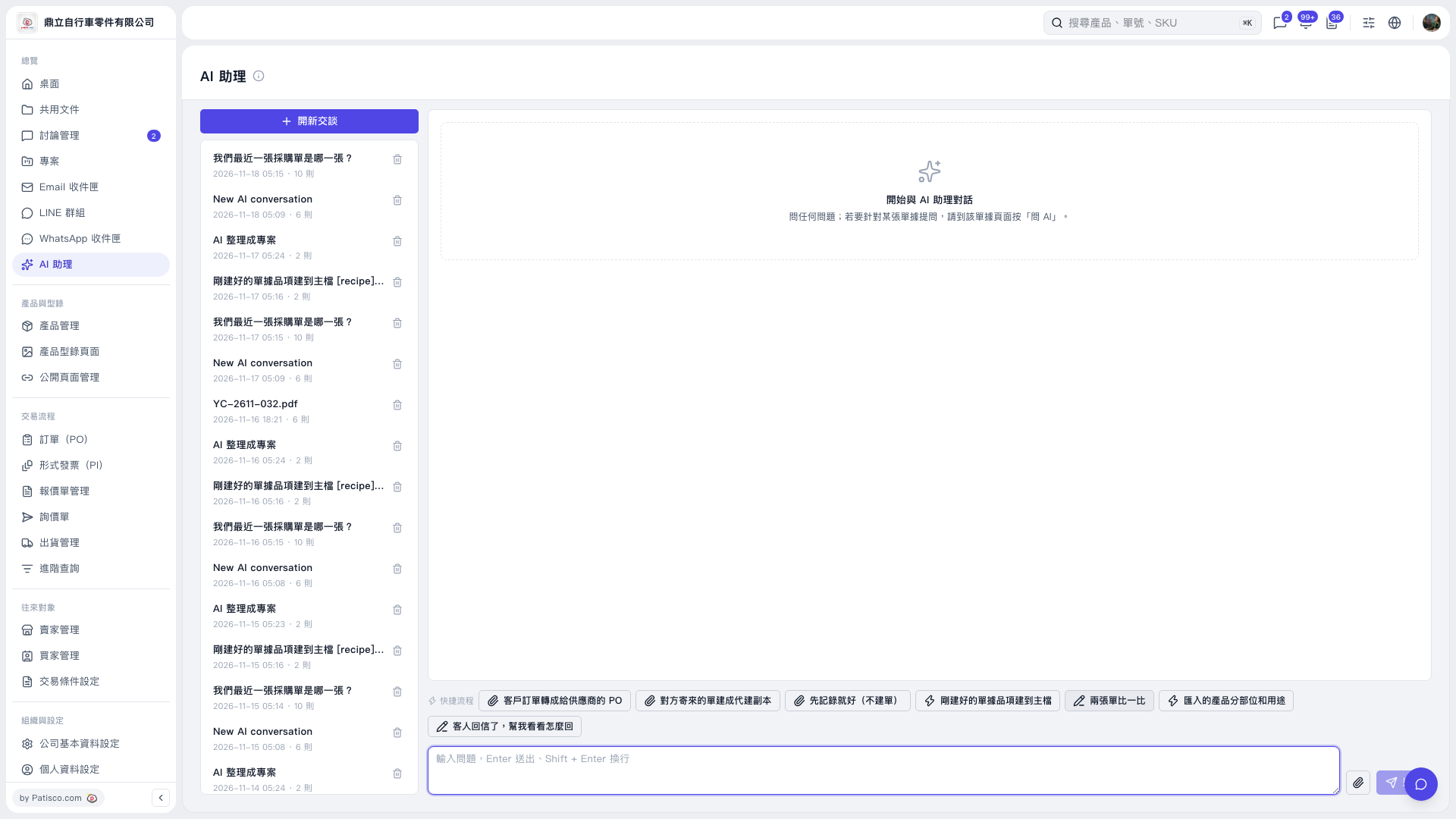
1. On the "AI assistant" page, click "New chat", or open an existing chat from the chat list on the left. 2. Click "Compare two documents" at the bottom and provide the documents as the prompts guide you. To attach a file, click the paperclip icon on the right side of the input box. 3. You can ask: "Compare PO ____ with inquiry ____", replacing the blanks with the details of the documents you want to compare. 4. Press Enter or click the paper plane icon to send. To start a new line, press Shift + Enter. 5. How the AI replies: In this test only a draft was entered and nothing was sent, so there is no actual reply to show.
 V5 新桌面版|AI 助理