
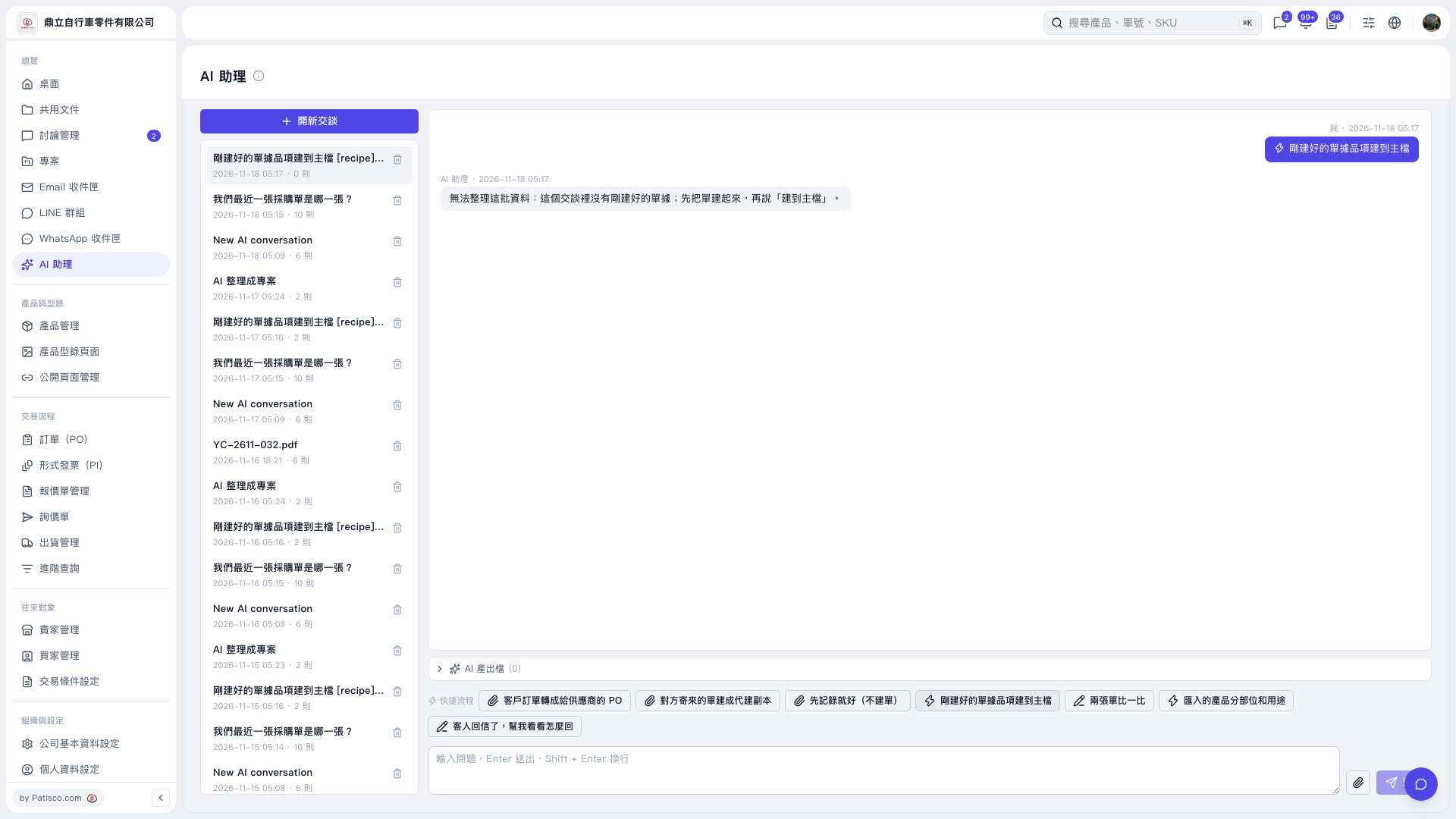
1. On the left side of "AI assistant", select the chat and confirm that the document was created in that same chat. 2. Click "Add items from the document I just created to master data" above the message input box, or type "add to master data" in the input box and press Enter to send. You can ask: "Add the items from the document I just created to master data". 3. Check the AI's reply to confirm the result. If there is no newly created document in the chat, the AI will reply: "Unable to organize this data: there is no newly created document in this chat; create the document first, then say 'add to master data'." 4. If you get this reply, first provide the data in the same chat and ask the AI to create the document, then send "add to master data".
 V5 新桌面版|AI 助理