
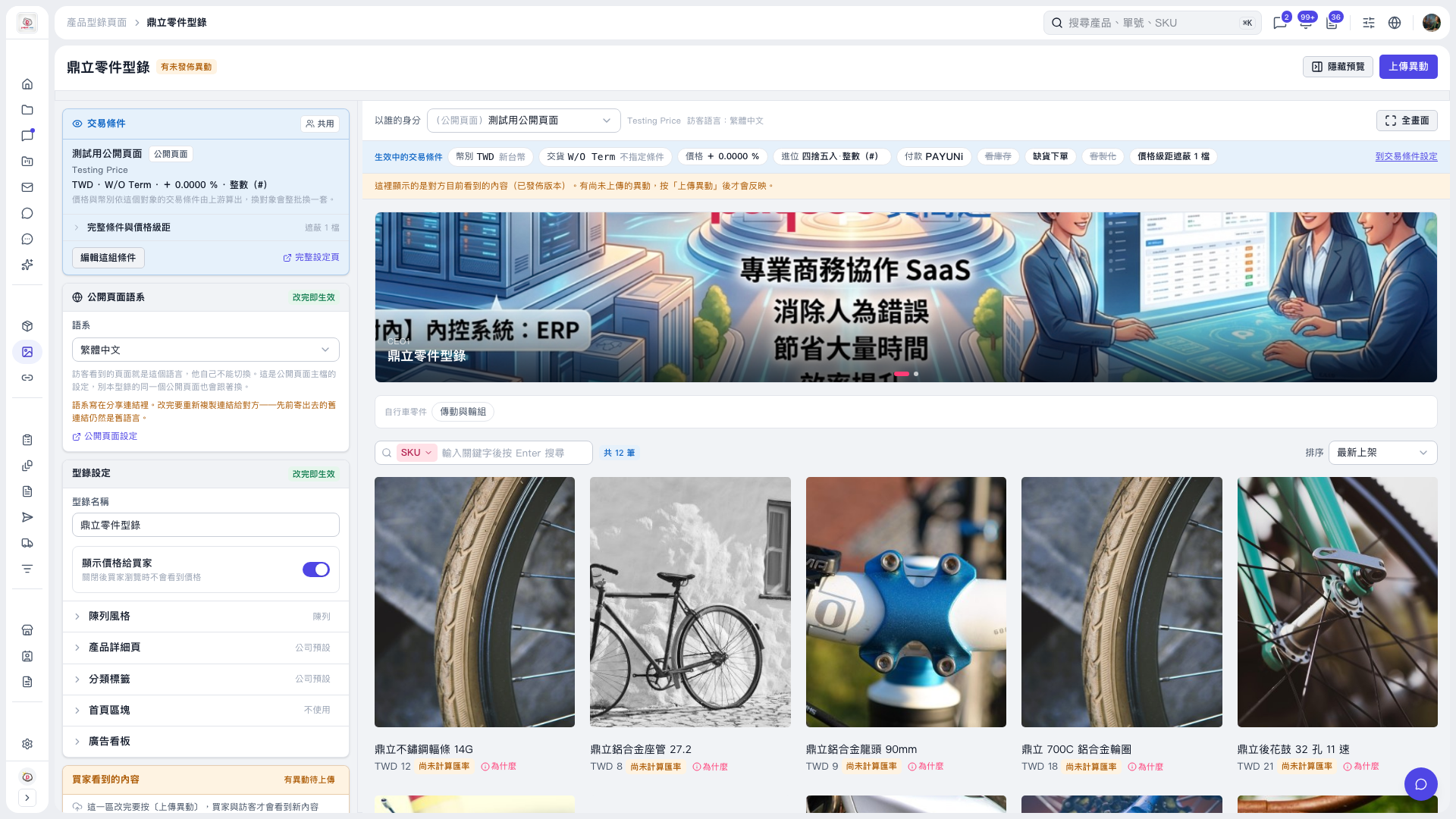
1. Under "Catalog settings" on the left of "Dingli Parts Catalog", expand "Banner" to view or adjust the banner settings. 2. In the preview area on the right, check the banner images, text, and how the carousel is displayed. The two indicator dots below show the current carousel position. 3. To enlarge the view, click "Full screen" at the top right of the preview area. 4. After confirming the settings, click "Upload changes" at the top right to publish the update so buyers and visitors can see it. The preview currently shows the published version; changes that have not been uploaded will only appear after you publish.
 V5 新桌面版|鼎立零件型錄