
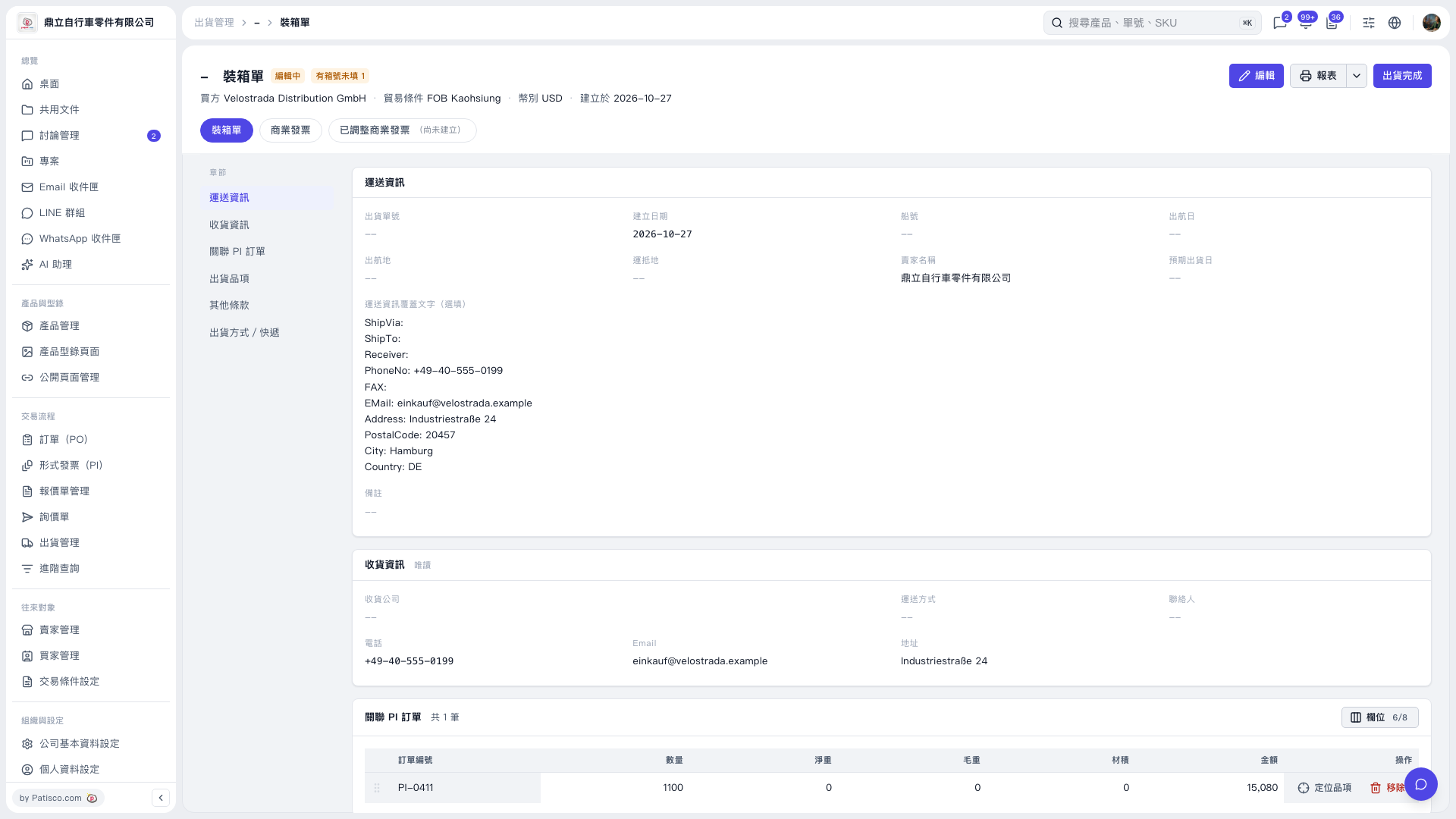
1. On the "Packing List" page, click "Edit" at the top right. 2. In the edit screen, find the item missing a carton number and fill in the correct one. The data currently shows 1 carton number is not filled in (last carton 0). 3. To check the shipment contents, use "Shipment Items" on the left, or "Locate Item" at the right end of the related PI order row. 4. After you finish editing and save, click "Report" at the top right to view the packing list and confirm the data is complete.
 V5 新桌面版|裝箱單