
1. Open "SIM-SHP-S0020-01 Packing List" and check the shipment number and shipping information. 2. Check the shipment data through "Receiving Information", "Related PI Orders" and "Shipment Items" on the left. 3. If you need to make changes, click "Edit" at the top right. 4. Once you have confirmed the data is correct, click "Shipment Completed" at the top right to mark this shipment as completed.
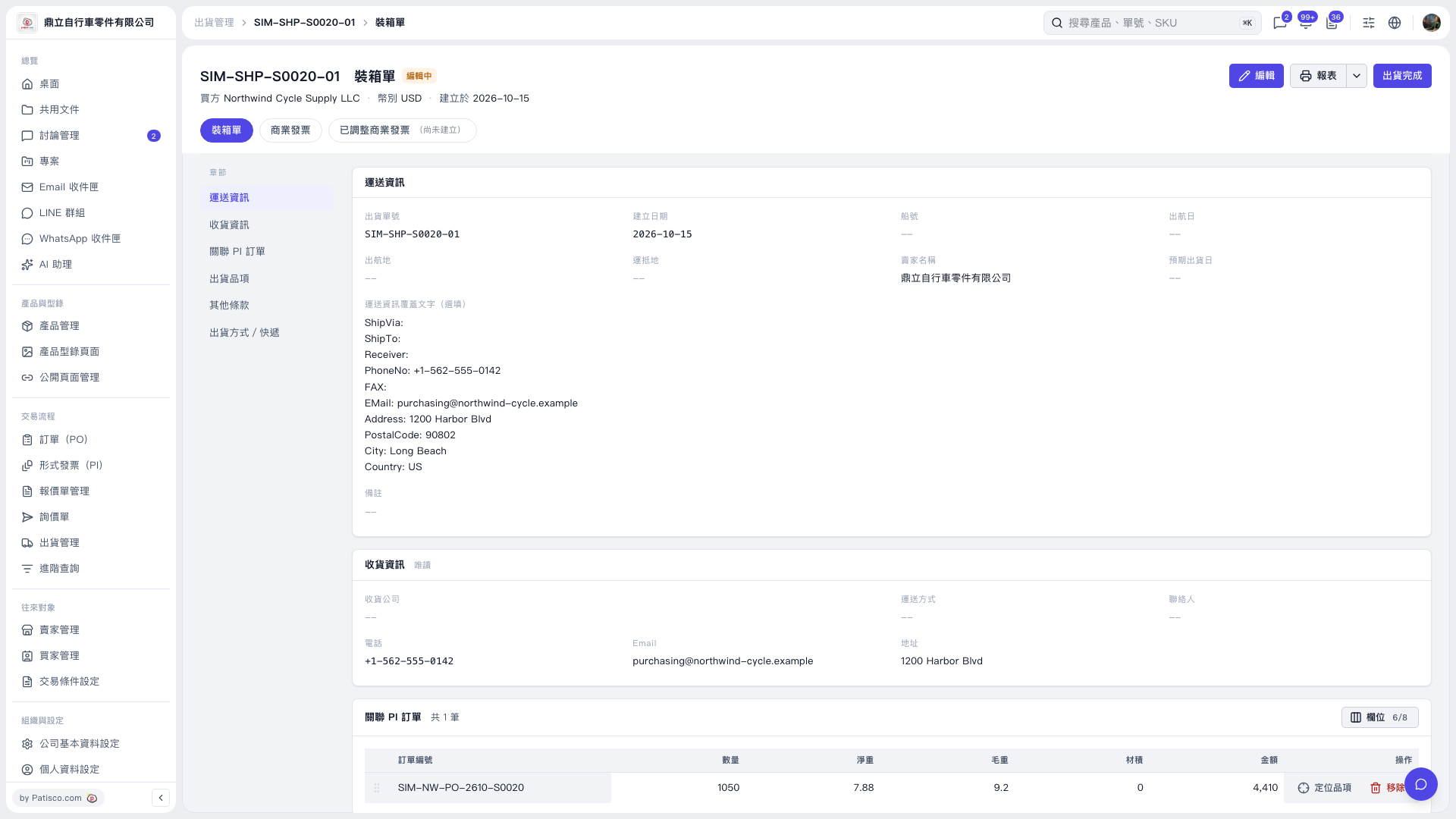 V5 新桌面版|SIM-SHP-S0020-01 裝箱單