
1. On the "Project Information" card on the right, click the "Owner" or "Status" drop-down to change the data. The status currently shown is "In Progress". 2. To add a contact party, click "Add Party" on the "Parties" row. 3. To record progress, type in "Internal Notes" and click "Send". For phone calls, click "Log a Call" to record them.
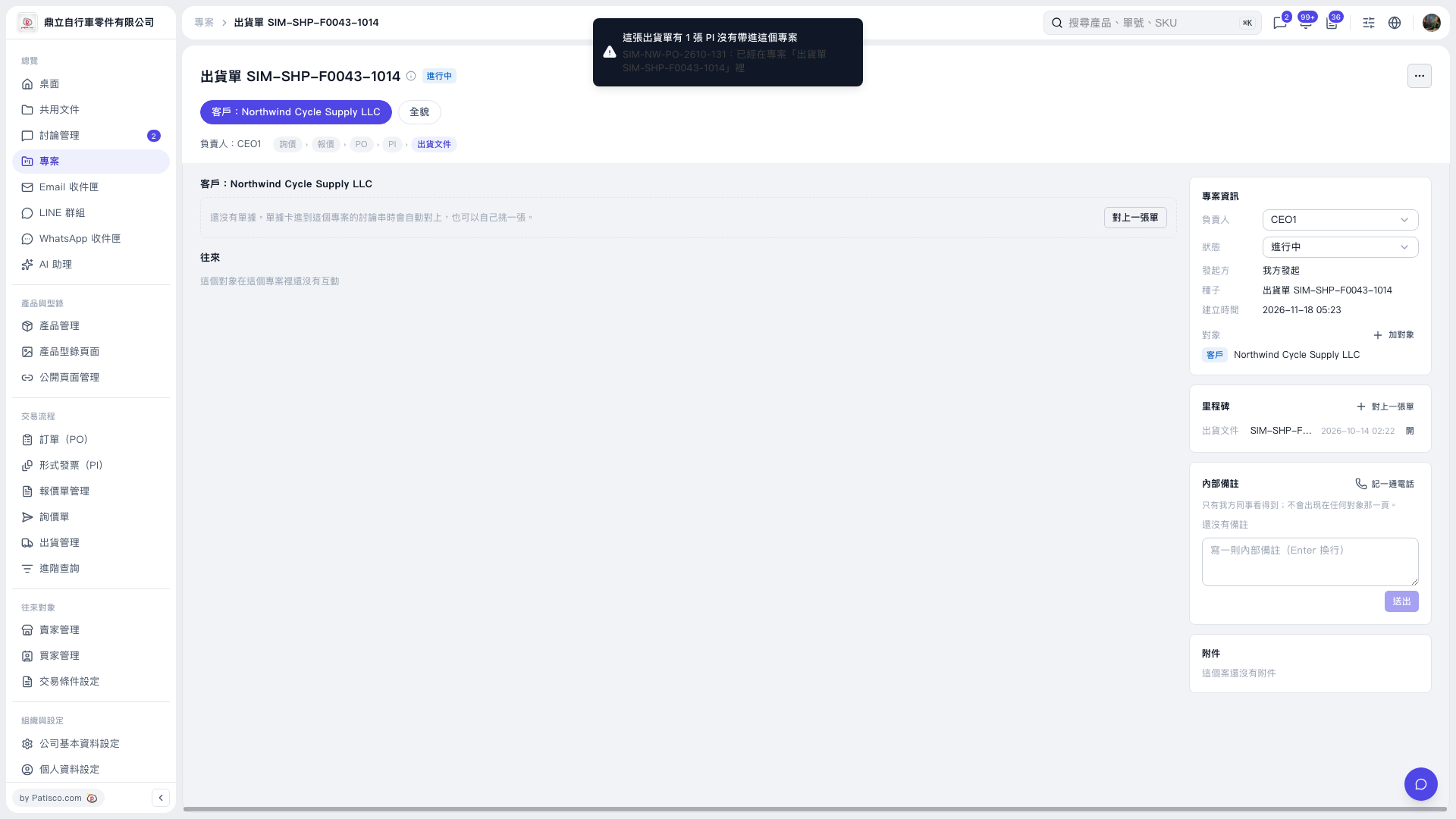 V5 新桌面版|出貨單 SIM–SHP–F0043–1014