
1. View the email content in "Correspondence" in the center of the project page. 2. Click a file name, such as "uxm-spec-sheet.txt" or "uxm-drawing.pdf", inside the email card or in the attachment block on the right to access the attachment. 3. To see the full conversation, click "Jump to Original Thread" at the bottom left of the email card.
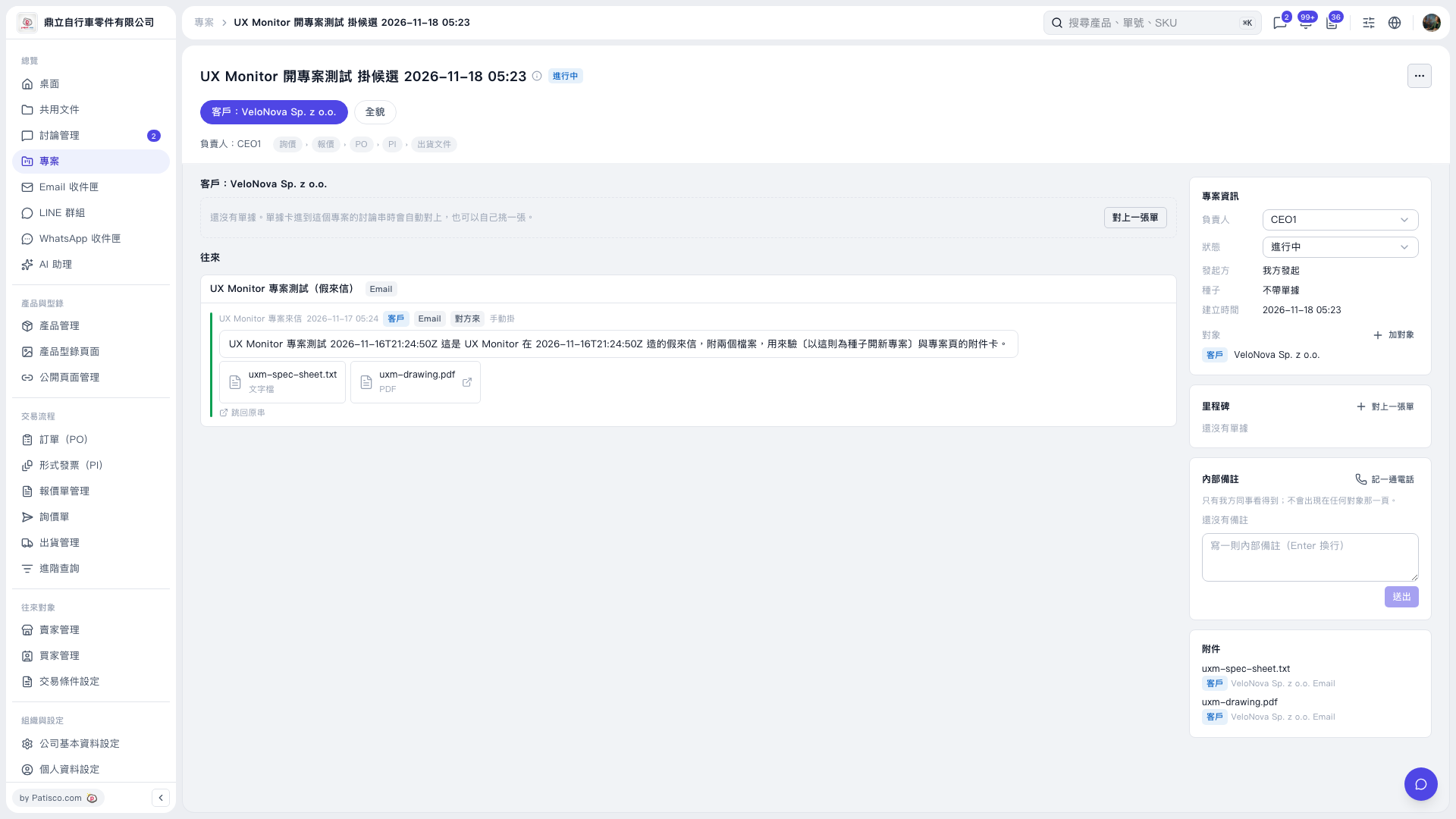 V5 新桌面版|UX Monitor 開專案測試 掛候選 2026–11–18 05:23