
1. On the "Projects" page, click "Ask AI to organize" at the top right. 2. Select the organizing proposal you want to use, check the messages it includes, and uncheck any messages you don't want to include. 3. Confirm the organized content and finish. Then, from the project list, click "Open" on the right side of that project and check that the messages are as expected. In this test, the proposal originally had 6 messages; after unchecking 1, the organized project had 5 messages.
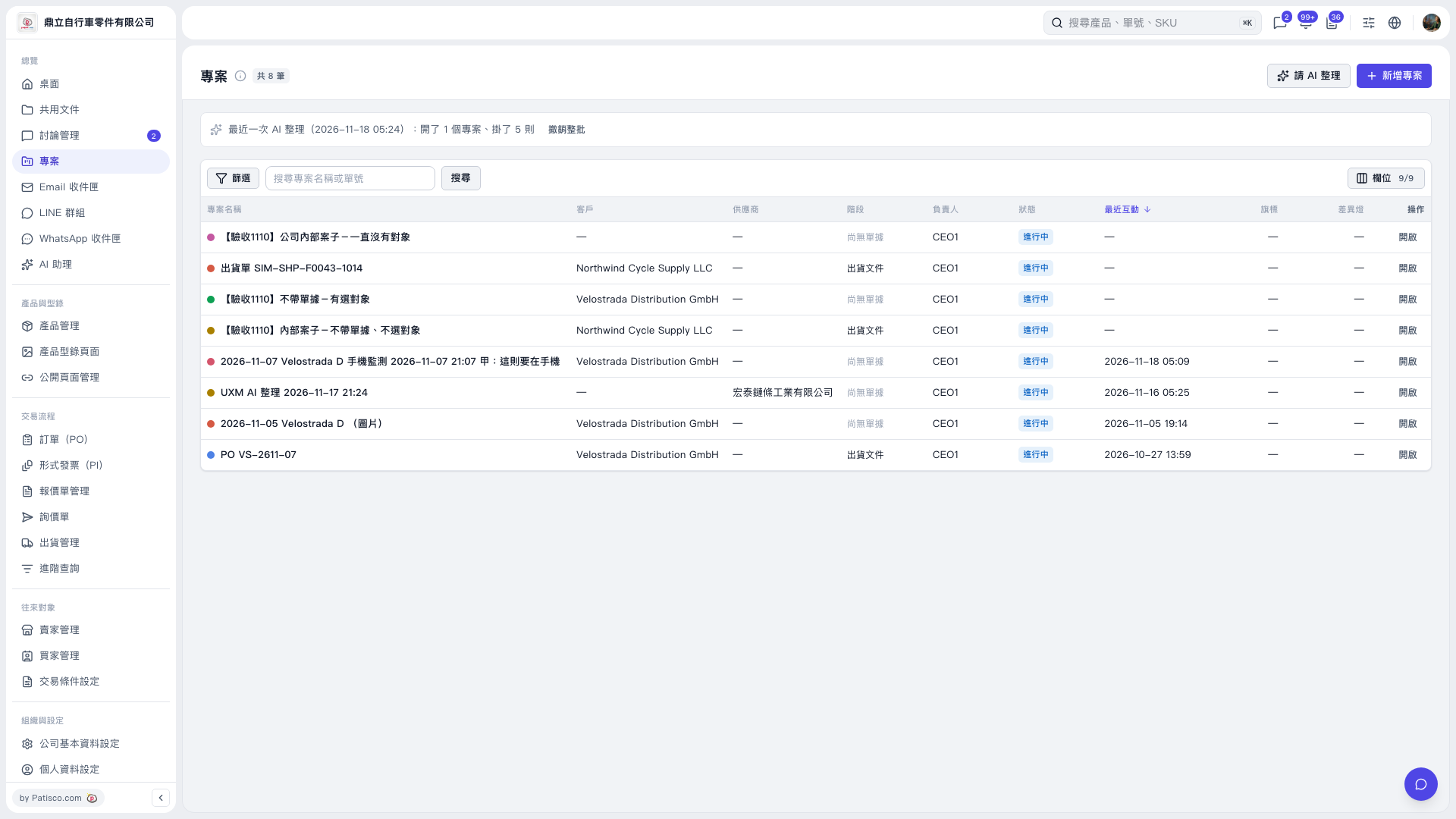 V5 新桌面版|專案