1. On the PO page, click the dropdown arrow next to "Print" in the upper right. 2. Choose "Custom report." 3. Follow the following screens to finish the report output or print settings.
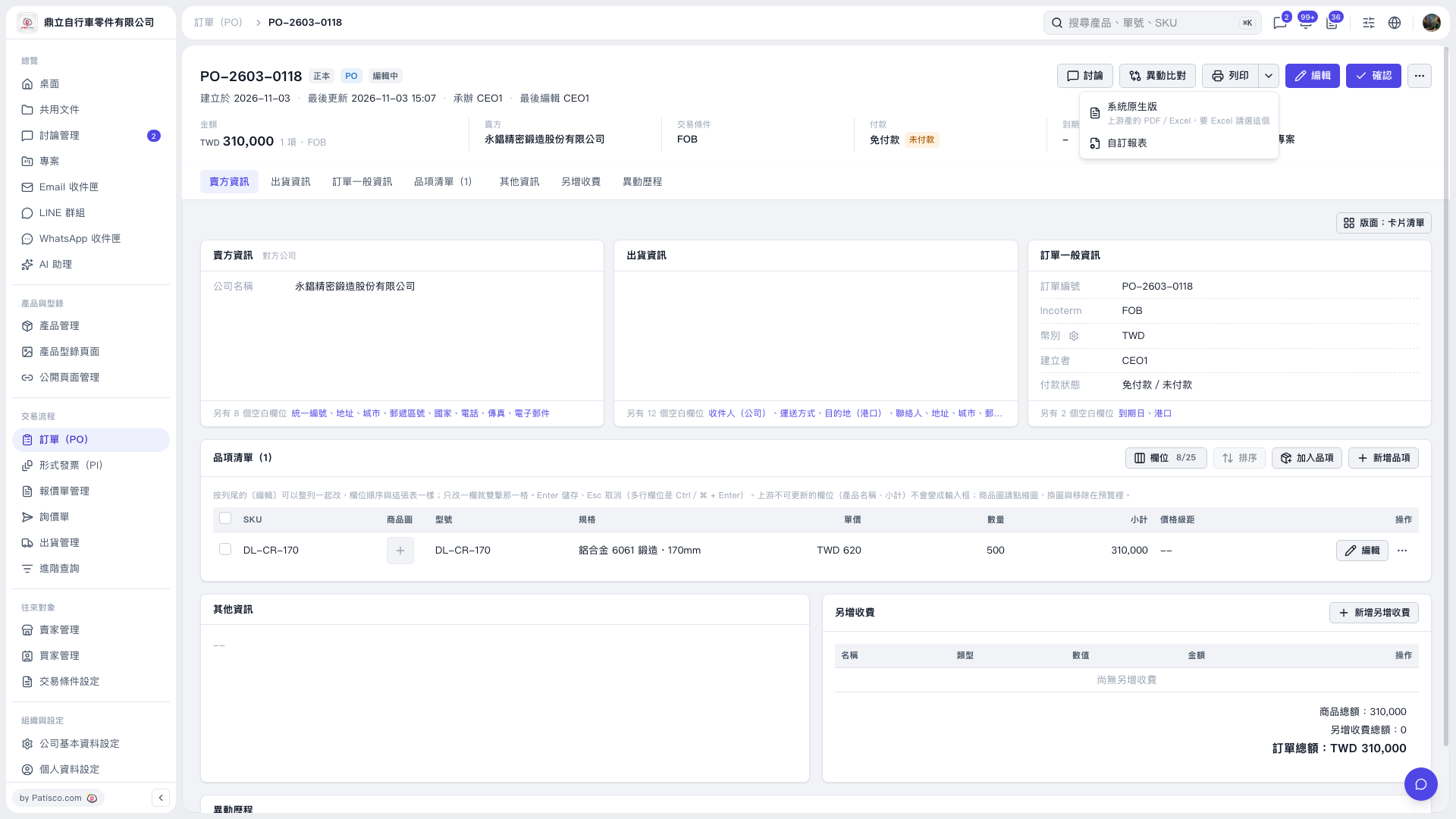 V5 新桌面版|PO-2603-0118

1. On the PO page, click the dropdown arrow next to "Print" in the upper right. 2. Choose "Custom report." 3. Follow the following screens to finish the report output or print settings.
V5 新桌面版|PO-2603-0118