
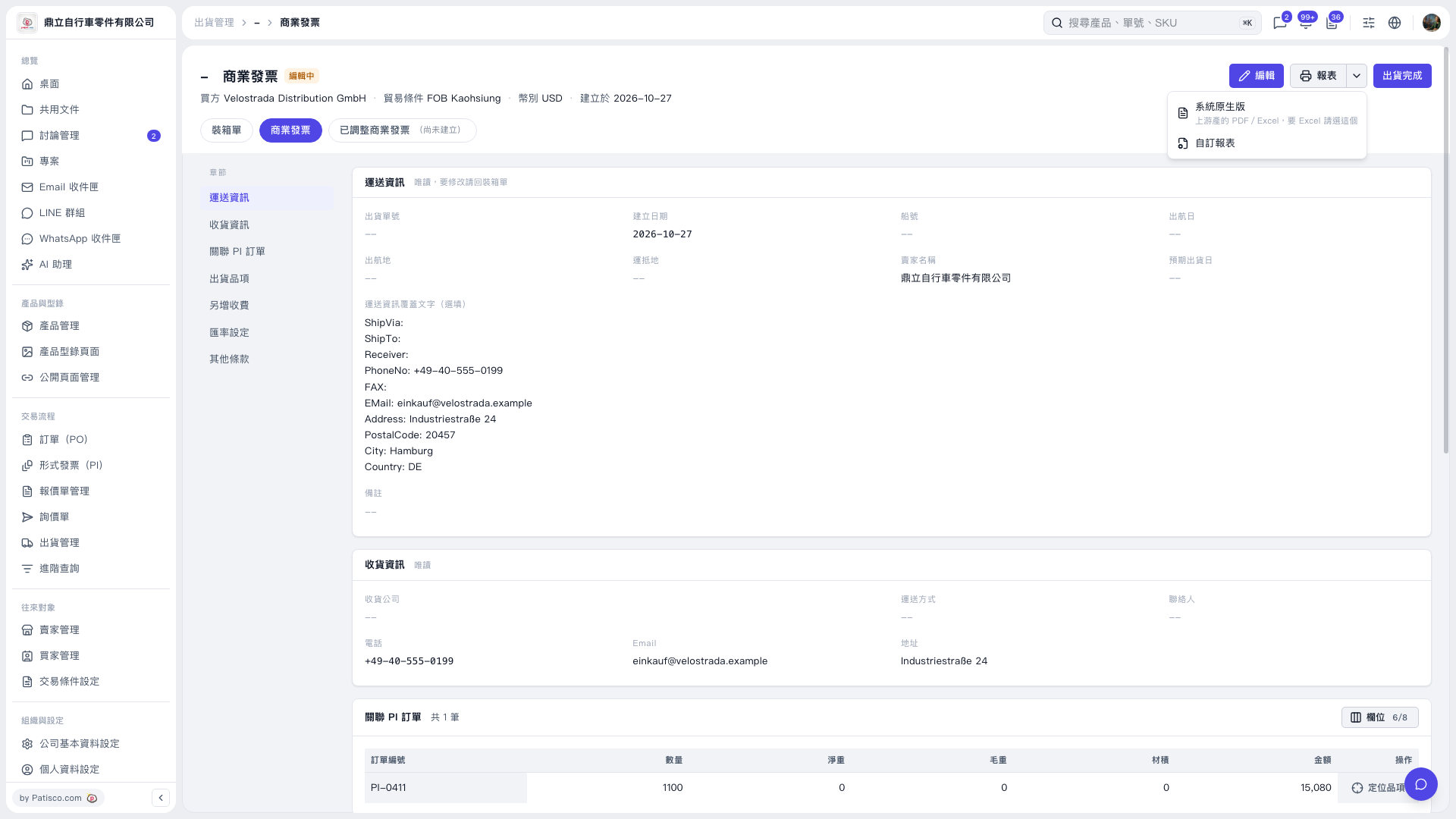
1. On the "Commercial Invoice" page, confirm that "Commercial Invoice" is selected, and check the buyer, trading conditions, currency, and related PI order information. 2. Click "Report" in the upper right and choose "System native version" or "Custom report" as needed. If you need Excel, choose "System native version." 3. Use the options provided on the following report screen to print or export.
 V5 新桌面版|商業發票