
1. Open the discussion thread you want to use and check the message visibility at the bottom. If it shows "Only colleagues can see this," first confirm whether that fits your needs. 2. Click "Send to…" to see the recipients. The window lists companies and people. In this test it showed 1 company and 2 people, with "Send Email" shown next to the Email recipient. 3. After selecting the recipients, enter your content in the "Type a message" field, then click "Send."
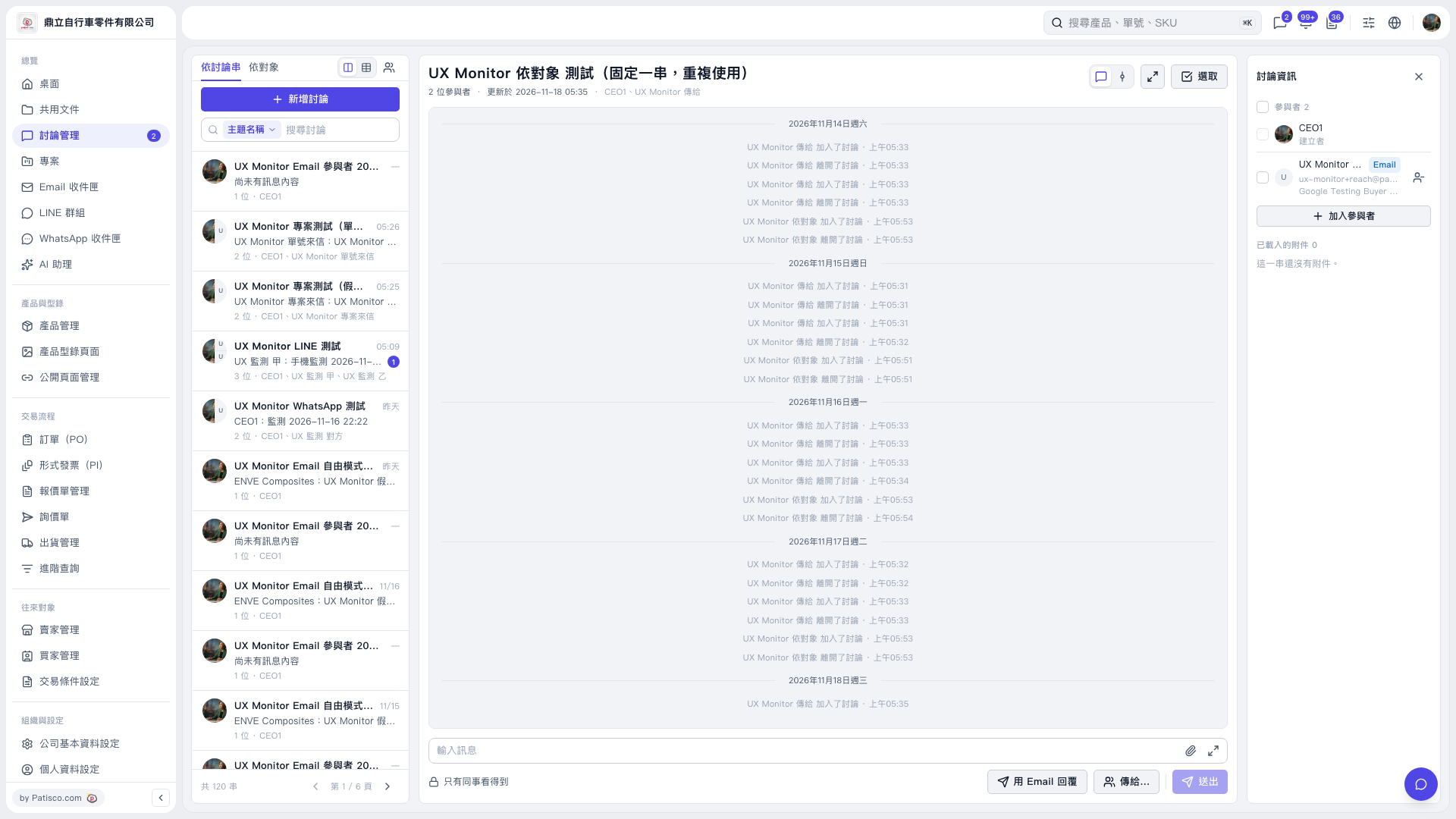 V5 新桌面版|UX Monitor 依對象 測試(固定一串,重複使用)