
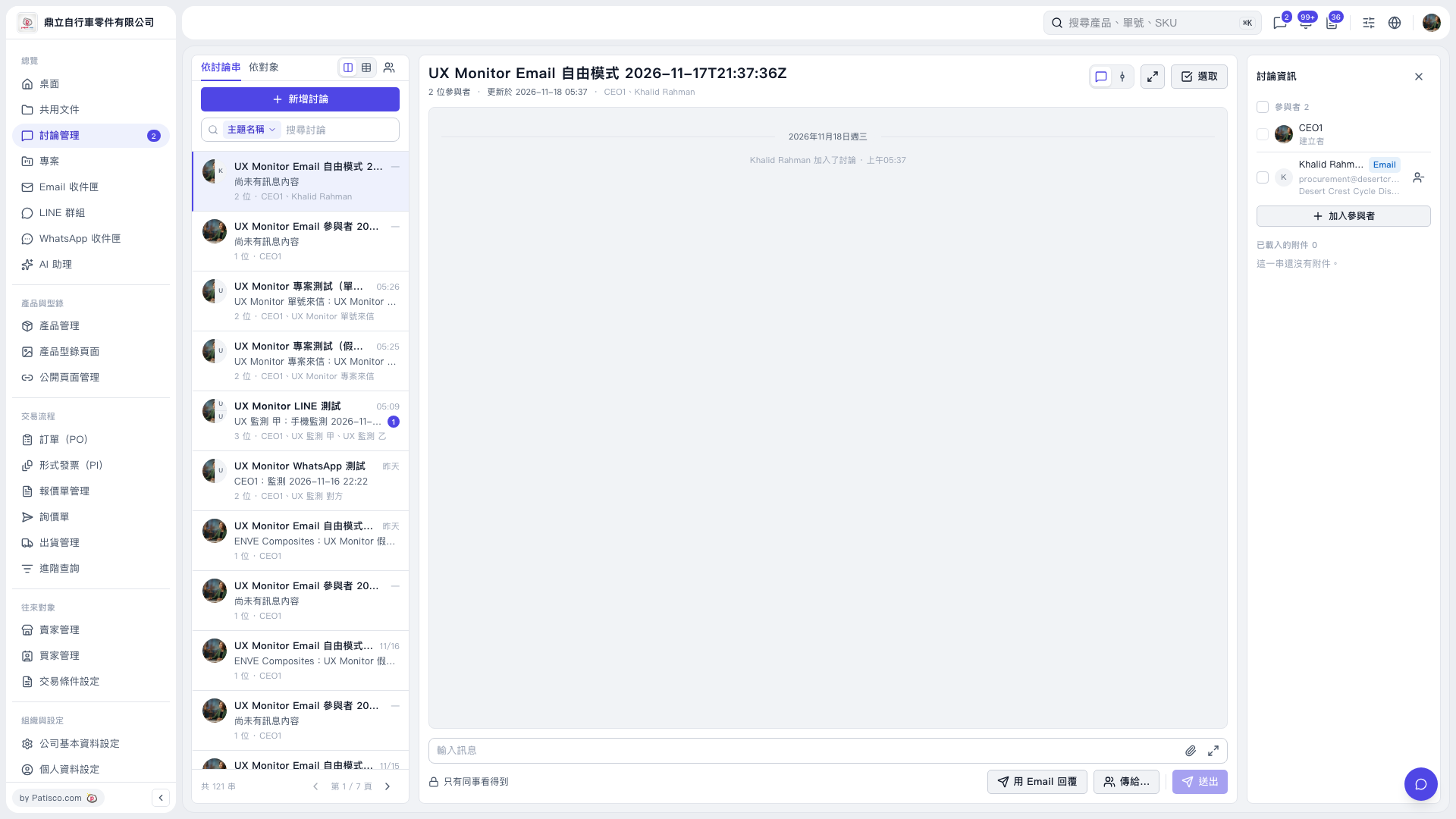
1. In the discussion list on the left, select the thread you want to reply to. You can also find it with "Search discussions". 2. On the right, check the participants. To add someone, click "Add participants". 3. Click "Reply by email" below the message input area and write your message in the "Type a message" field. To attach a file, click the paperclip icon. 4. Use "Send to…" to confirm who it will be sent to, and note the message visibility notice. 5. After confirming the content and recipients, click "Send".
 V5 新桌面版|UX Monitor Email 自由模式 2026-11-17T21:37:36Z