
1. Open the Proforma Invoice you want to edit and find the product in "Item list." To adjust the displayed columns, click "Columns 8/25." 2. Click the product's "Specifications" cell and enter the content you want. To put the product name into the specifications, enter the same product name text. 3. Press Enter to save or Esc to cancel. For multi-line content, press Ctrl/⌘ + Enter to save. 4. Check the specifications, unit price, quantity, and subtotal. After confirming, click "Submit" at the top right to submit any changes that have not been submitted yet.
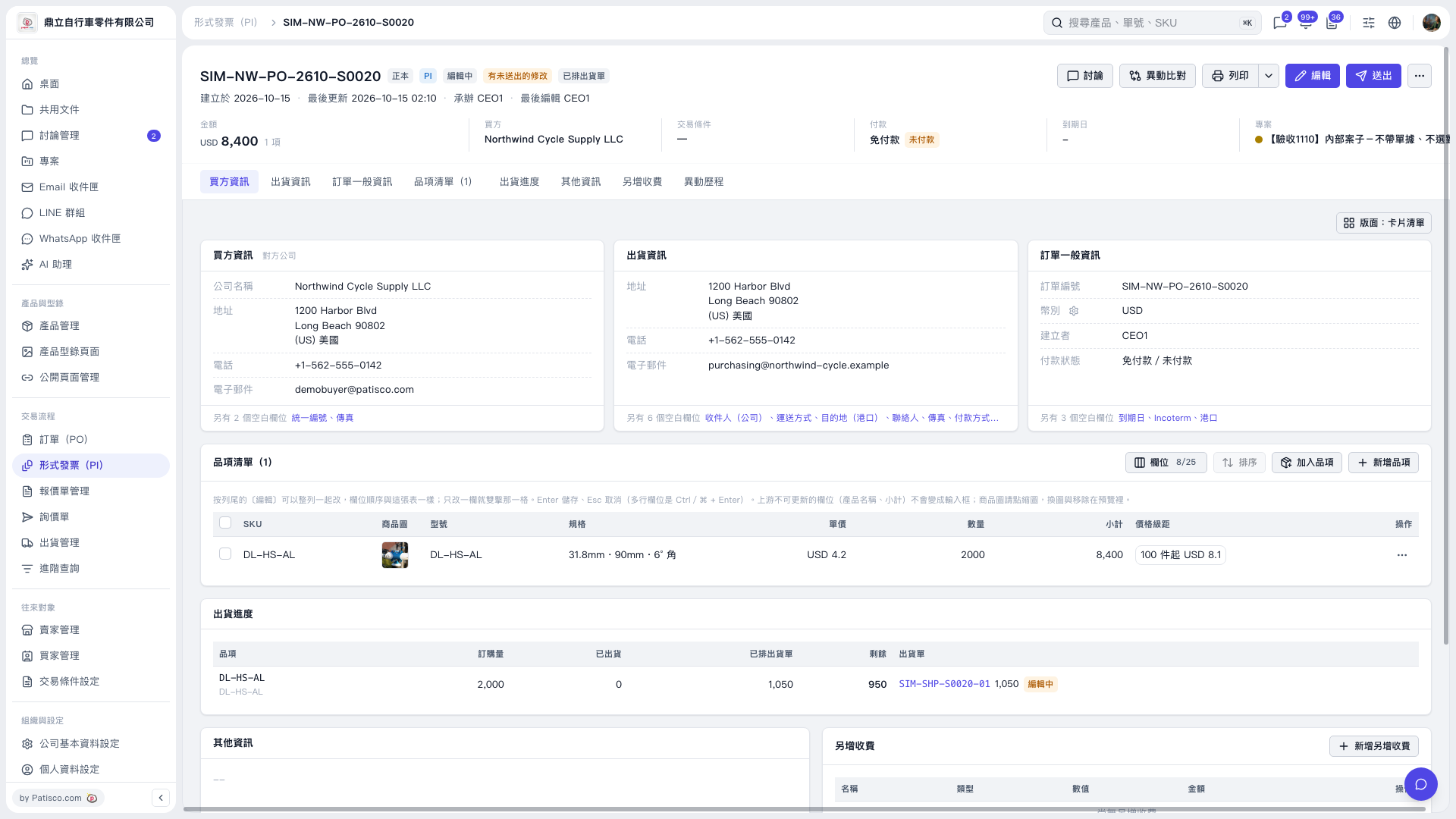 V5 新桌面版|SIM–NW–PO–2610–S0020