
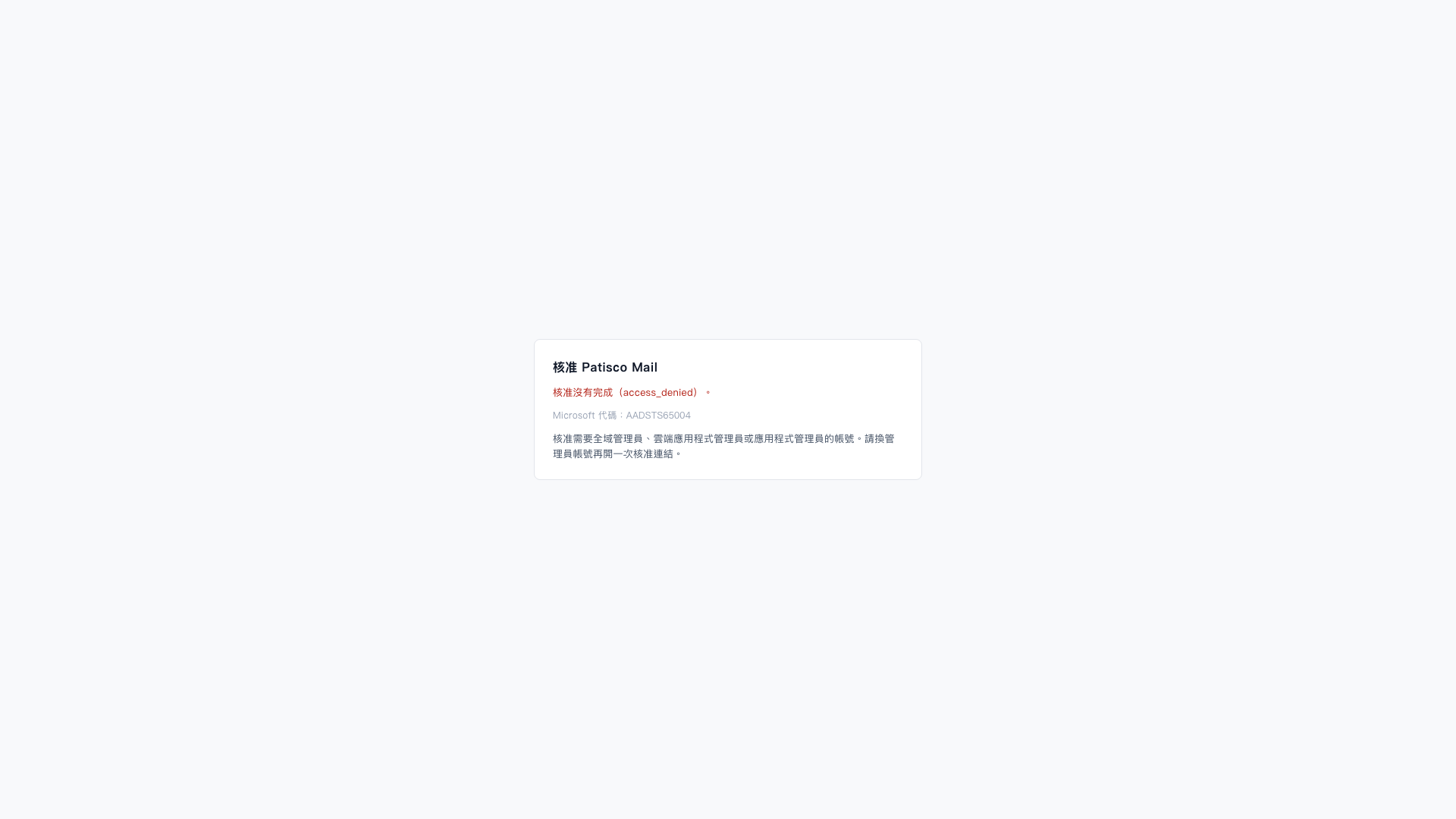
1. On the "Approve Patisco Mail" page, check the approval failure message. The error code is AADSTS65004, which means the user declined authorization. 2. Switch to a Microsoft account that has the "Global Administrator", "Cloud Application Administrator", or "Application Administrator" role. 3. Open the approval link again and complete the authorization approval for Patisco Mail.
 V5 新桌面版|核准 Patisco Mail