
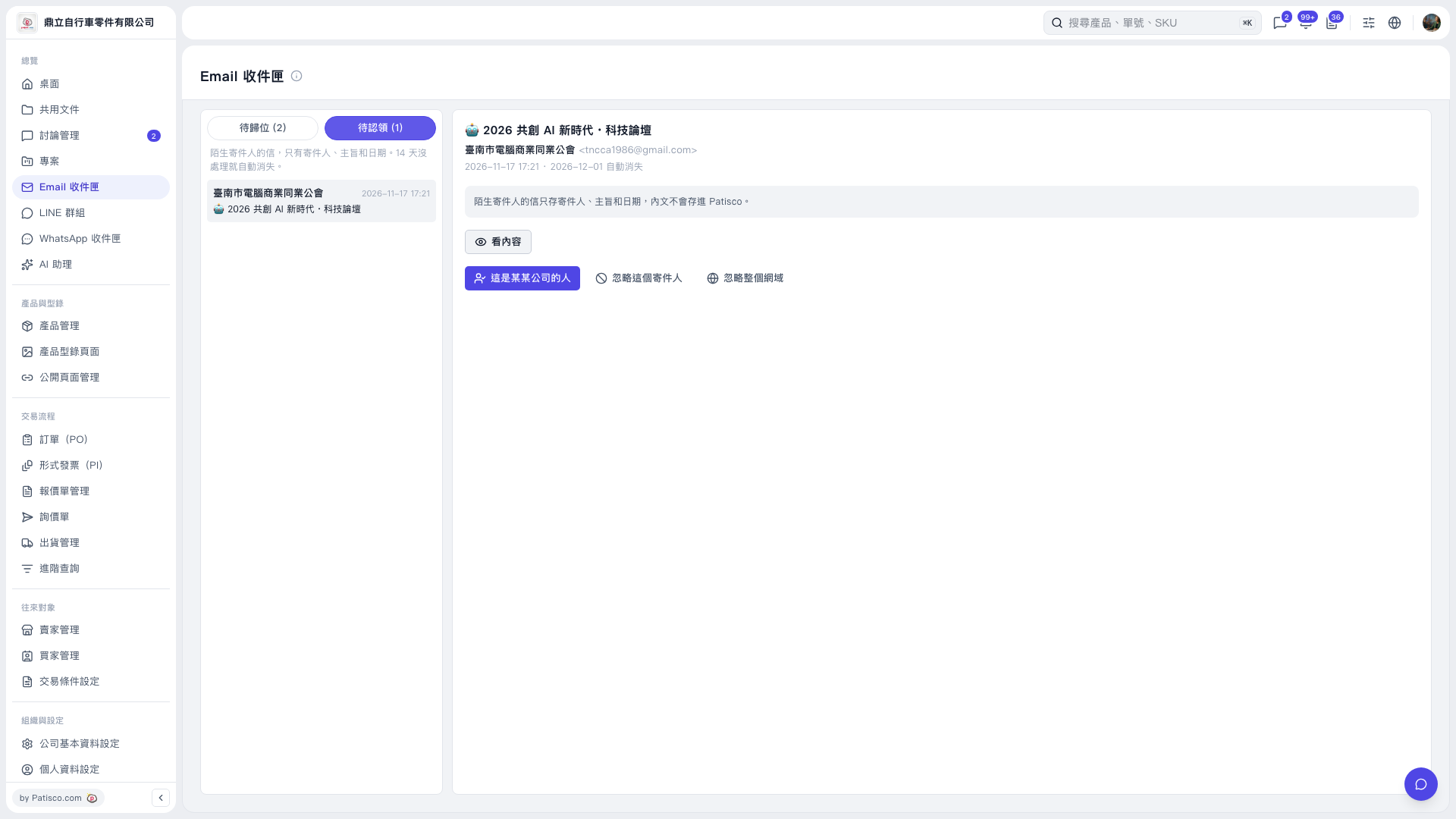
1. Above the email list on the left side of the "Email Inbox", click "Unassigned (2)" or "Unclaimed (1)" to switch the list. The number in parentheses is the current number of emails. 2. Click an email in the left list. The right side shows the sender, the subject, the date, and other information. 3. Click "View content" on the right to read the email.
 V5 新桌面版|Email 收件匣