
1. Click "Unclaimed (1)", then select an email in the left list. 2. Check the sender information on the right. If you need to confirm the email content, click "View content". 3. After confirming the company the sender belongs to, click "This person is from [company name]" to claim the email. 4. If no action is needed, click "Ignore this sender". To ignore the entire domain the sender belongs to, click "Ignore entire domain".
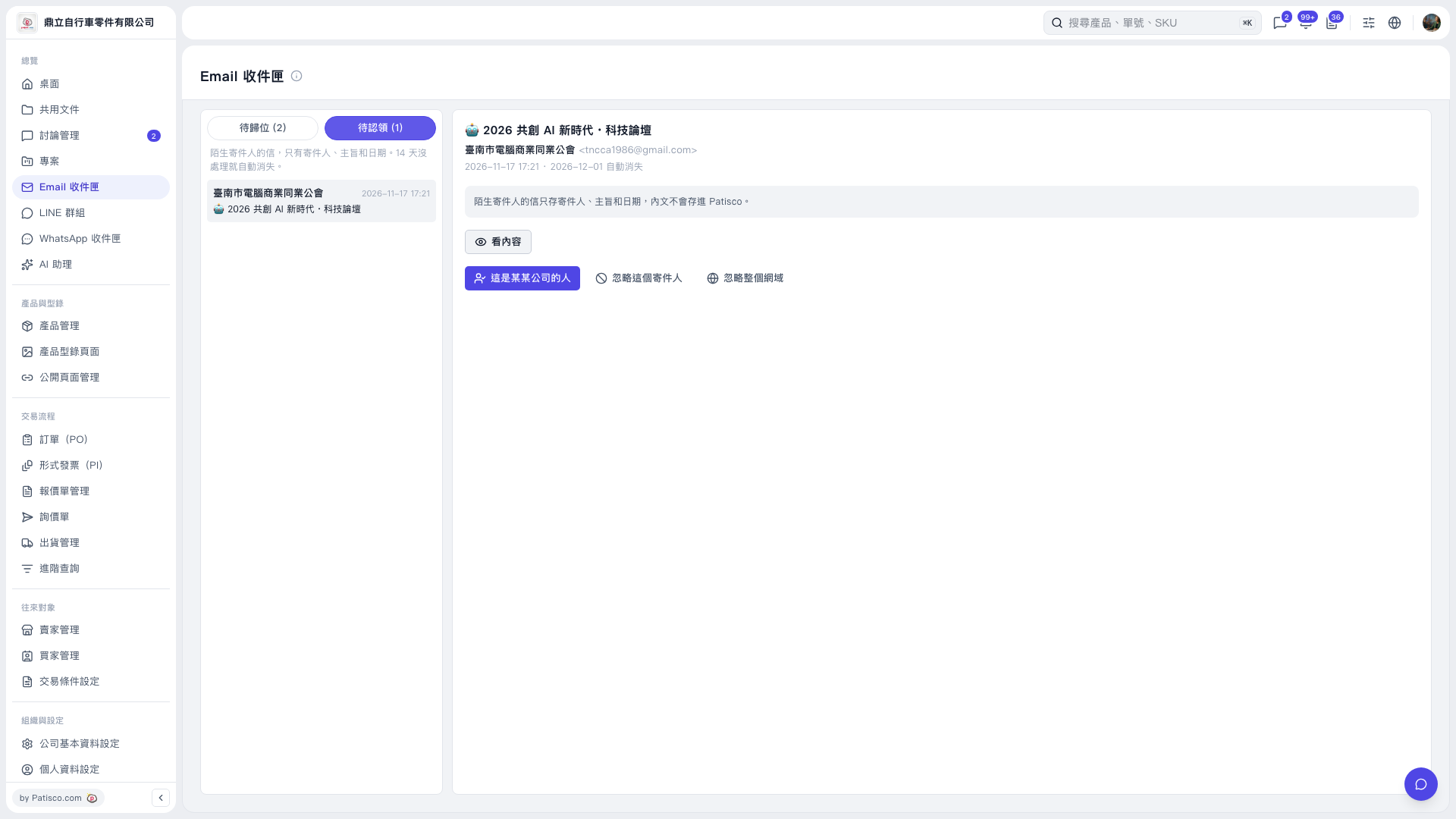 V5 新桌面版|Email 收件匣