
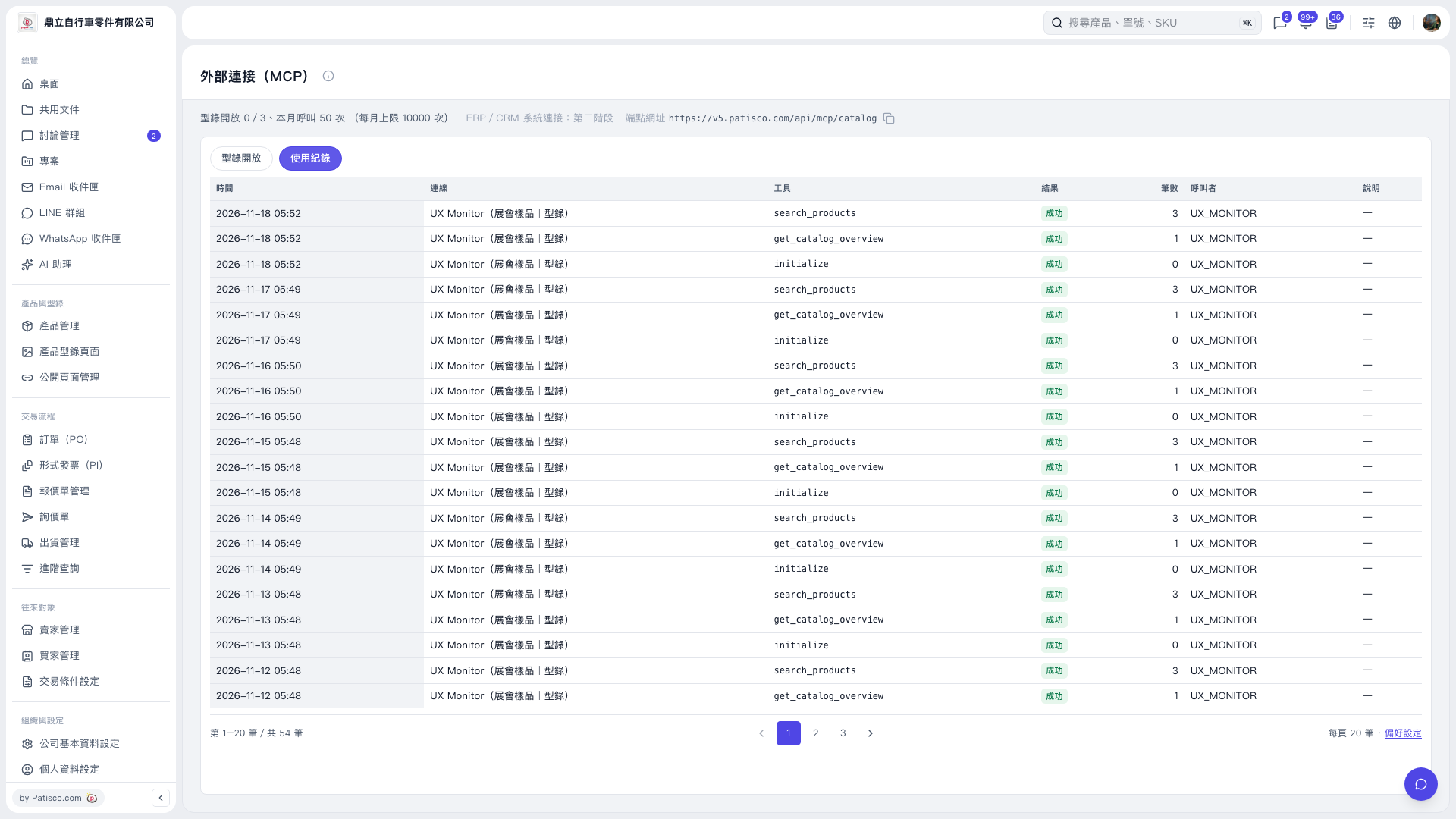
1. On the “External Connection (MCP)” page, click the “Usage Log” tab. 2. Check the “Time”, “Connection”, “Tool”, “Result”, “Count”, “Caller” and “Description” columns in the table. 3. To see other records, use the page numbers or the “Previous” and “Next” buttons below the table. 4. To adjust how the list is displayed, click “Preferences” at the bottom right of the table.
 V5 新桌面版|外部連接(MCP)