
1. On the buyer details page in “Buyer Management,” scroll down to “Contact List.” Tap it or the arrow on the right to open the contact list. The current screen shows a count of 0. 2. To use the Email / LINE contact feature, tap “Contacts (Email / LINE)” below to open the corresponding page.
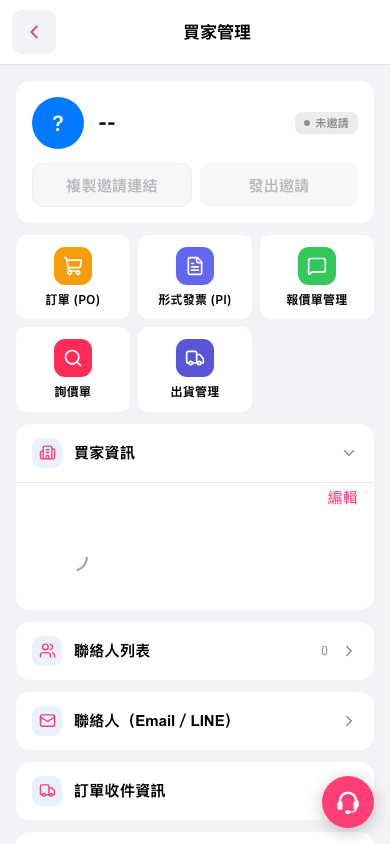 手機版|買家管理