
1. At the bottom of the “Discussion Topic” page, tap the “Enter a message” field and enter your message. 2. To attach a file, tap “Attachment” (the paperclip icon). To add a photo, tap “Camera.” 3. Tap “Send” (the paper airplane icon) at the bottom right to send the message.
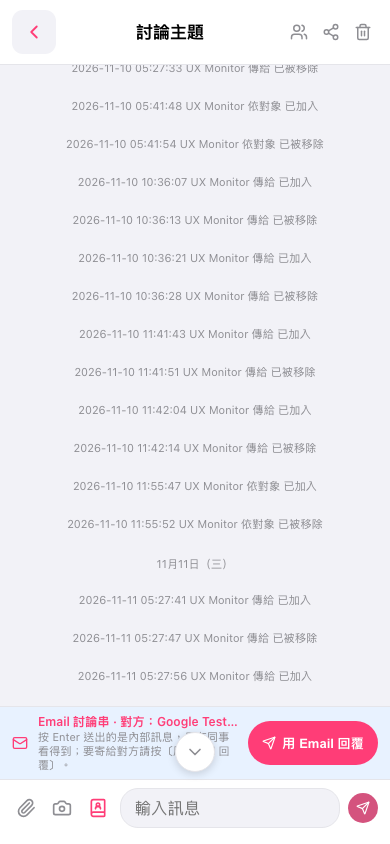 手機版|討論主題