
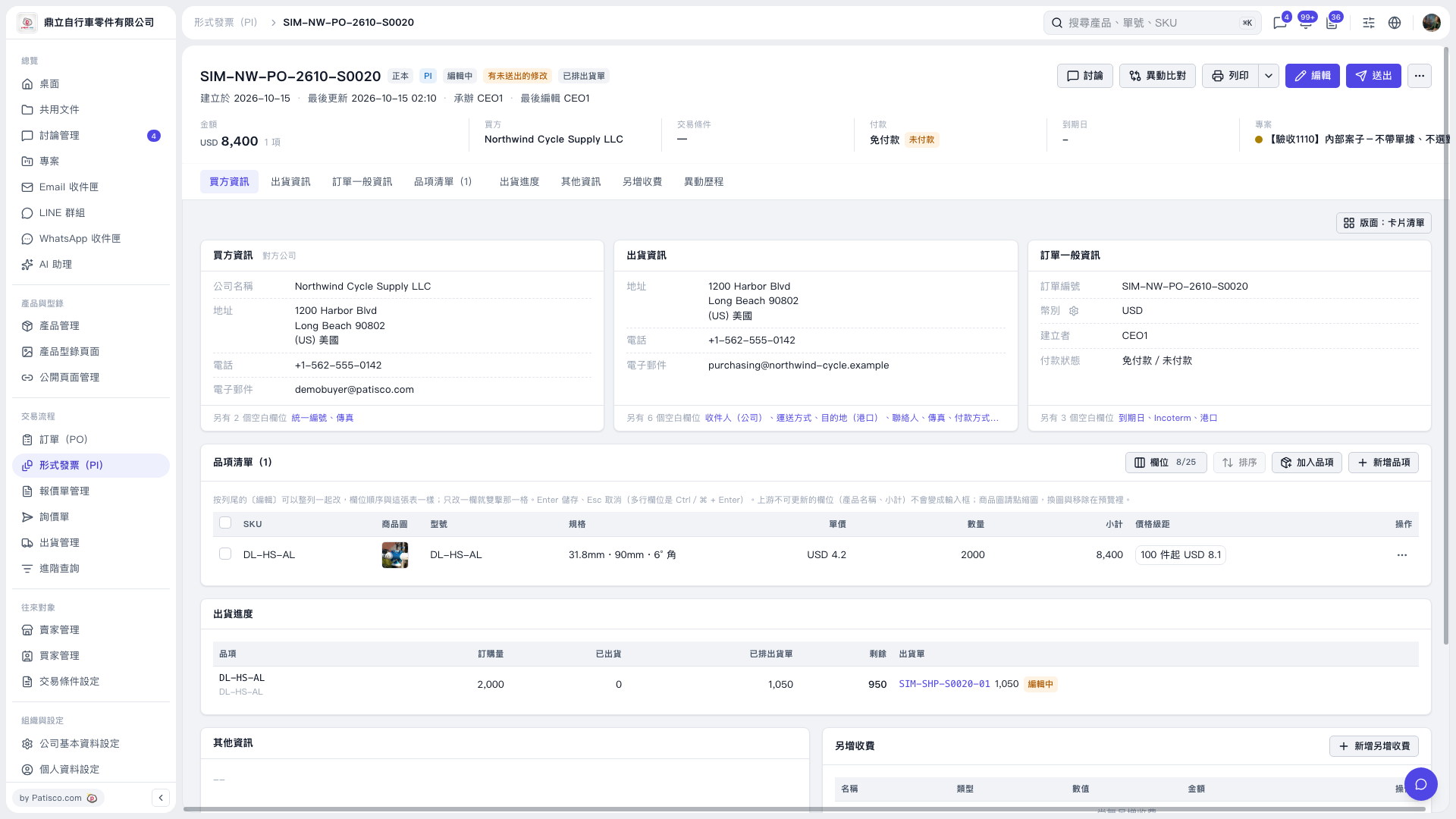
1. Find the item you want to edit in the Proforma Invoice's "Item List," then double-click the "Specifications" cell in that row. 2. Paste the copied product name and press Enter to save. For a multiline field, use Ctrl/⌘ + Enter to save. Press Esc to cancel the change. 3. Check that the "Specifications," unit price, quantity, and subtotal are correct. After reviewing the entire document, click "Submit" in the upper-right corner.
 V5 新桌面版|形式發票 SIM–NW–PO–2610–S0020