
1. In the "Documents to Process" section on the dashboard, find the document under "Past Due" or "Needs Sync". 2. Click the document number to view and process the document. 3. After returning to the dashboard, click "Refresh" in the upper-right corner of the "Documents to Process" section to update the list of documents that need attention. 4. To view the full PO list, click "All POs" at the bottom of the "Recently Updated POs" section.
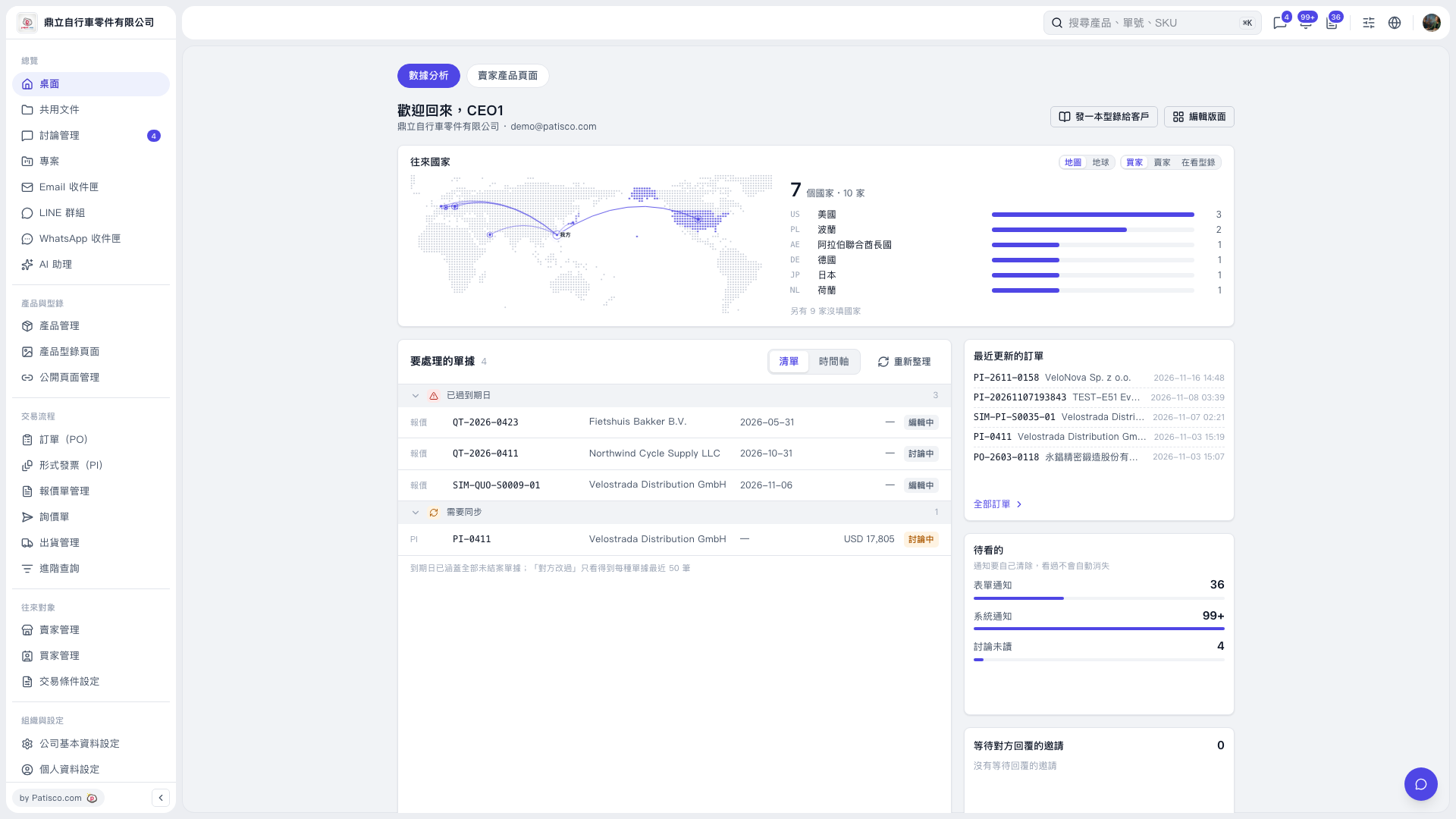 V5 新桌面版|桌面(數據分析)