
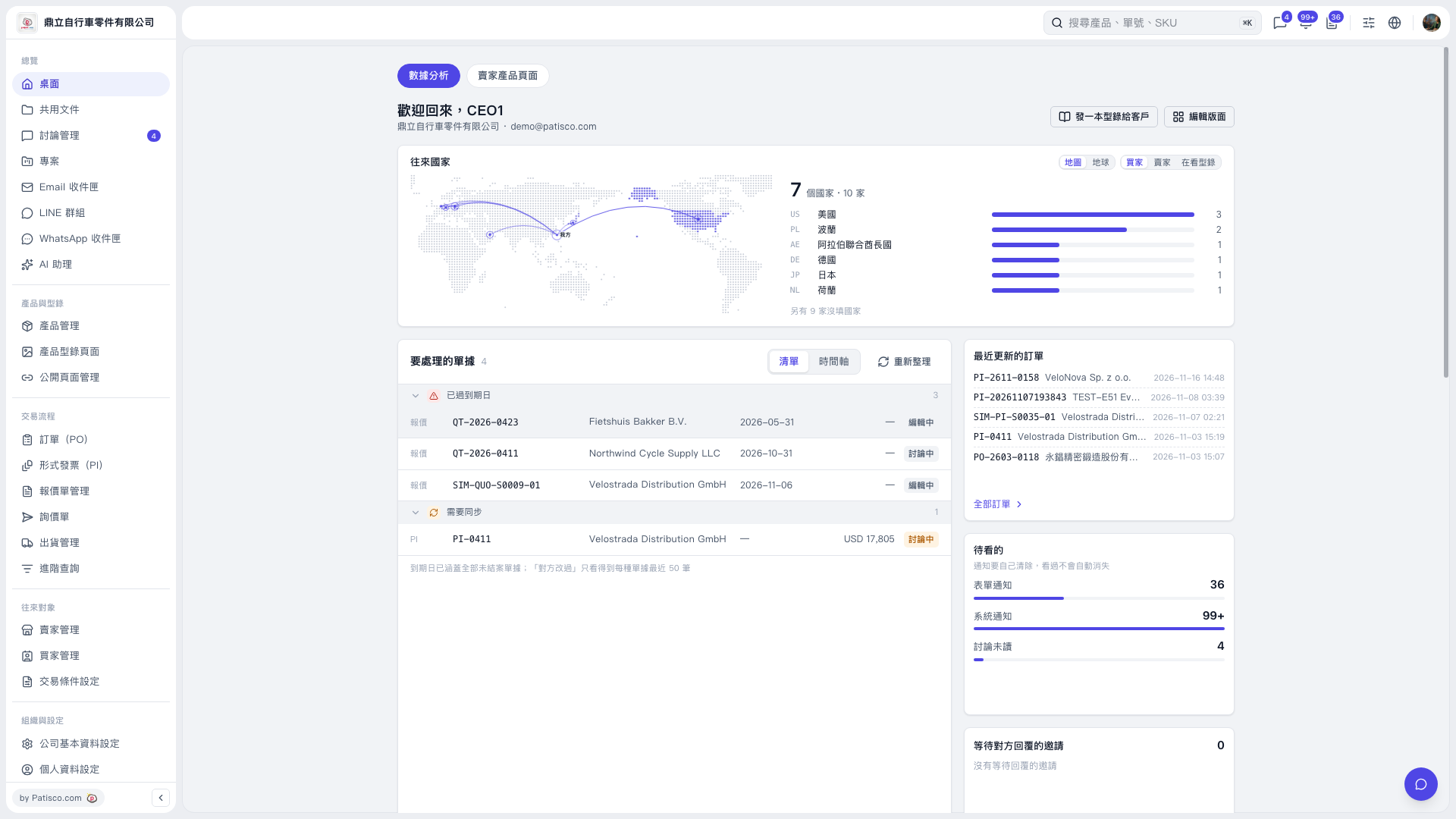
1. On the desktop's "Data Analysis" page, check "Documents Requiring Action" and look for items marked "Past Due" and "Sync Required". 2. Click "List" or "Timeline" to switch the display mode. 3. Click "Refresh" to update the pending document data.
 V5 新桌面版|桌面-數據分析