
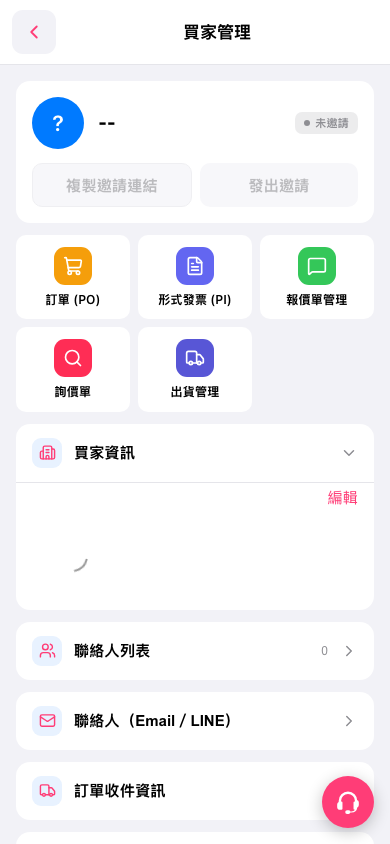
1. On the buyer details page in Buyer Management, scroll down to “Contact List”. The number of contacts appears on the right. 2. Tap “Contact List” or the arrow on the right to open the contact list page. 3. To use Email/LINE features, tap “Contacts (Email / LINE)”.
 手機版|買家管理