
1. Enter your account name or email address in "Account/Email". 2. Enter your password in "Password". To check what you have entered, click the eye icon on the right side of the password field to show or hide the password. 3. Click "Log in". If you have forgotten your password, click "Forgot password?" to start the password reset process.
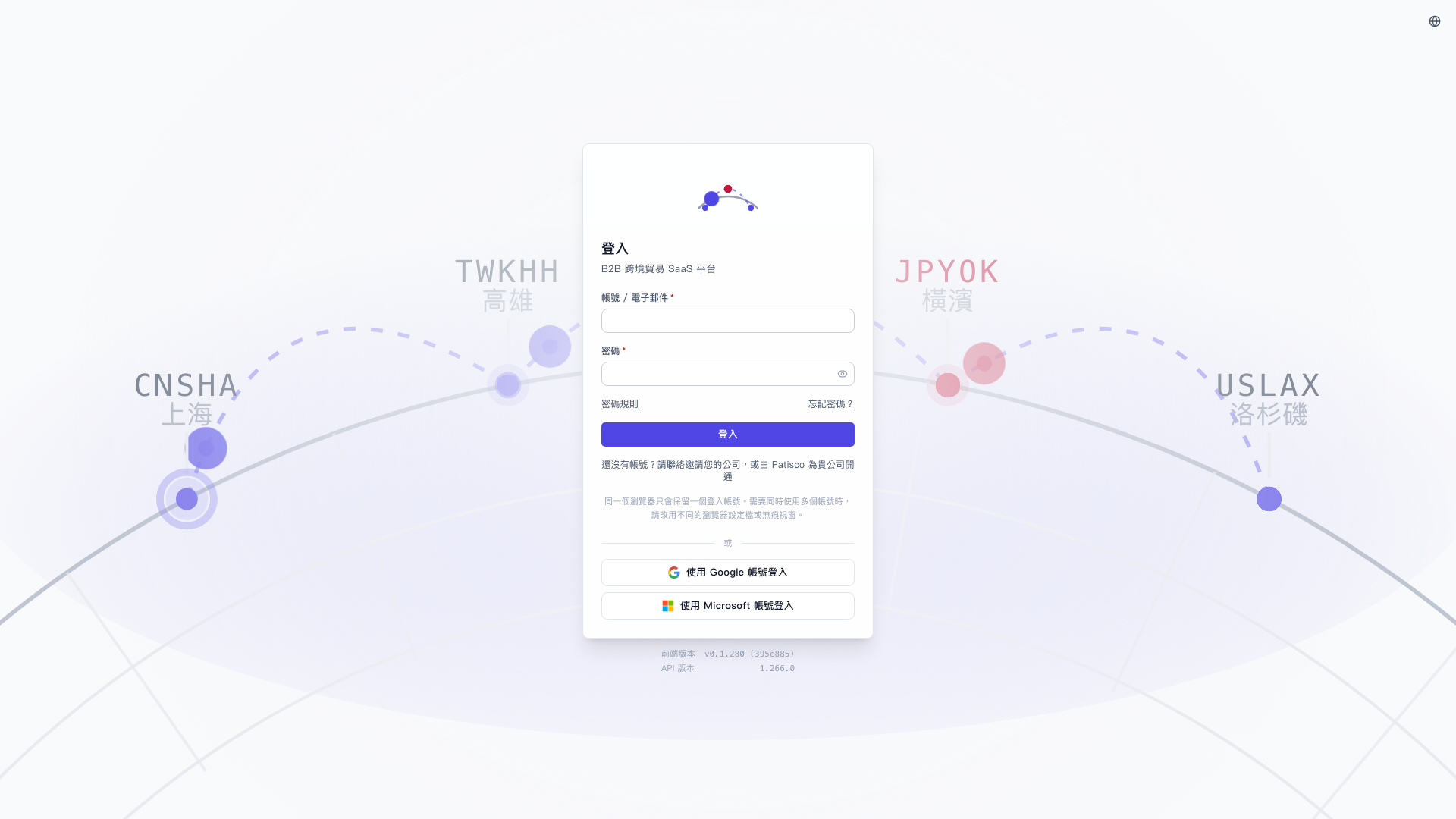 V5 新桌面版|登入