
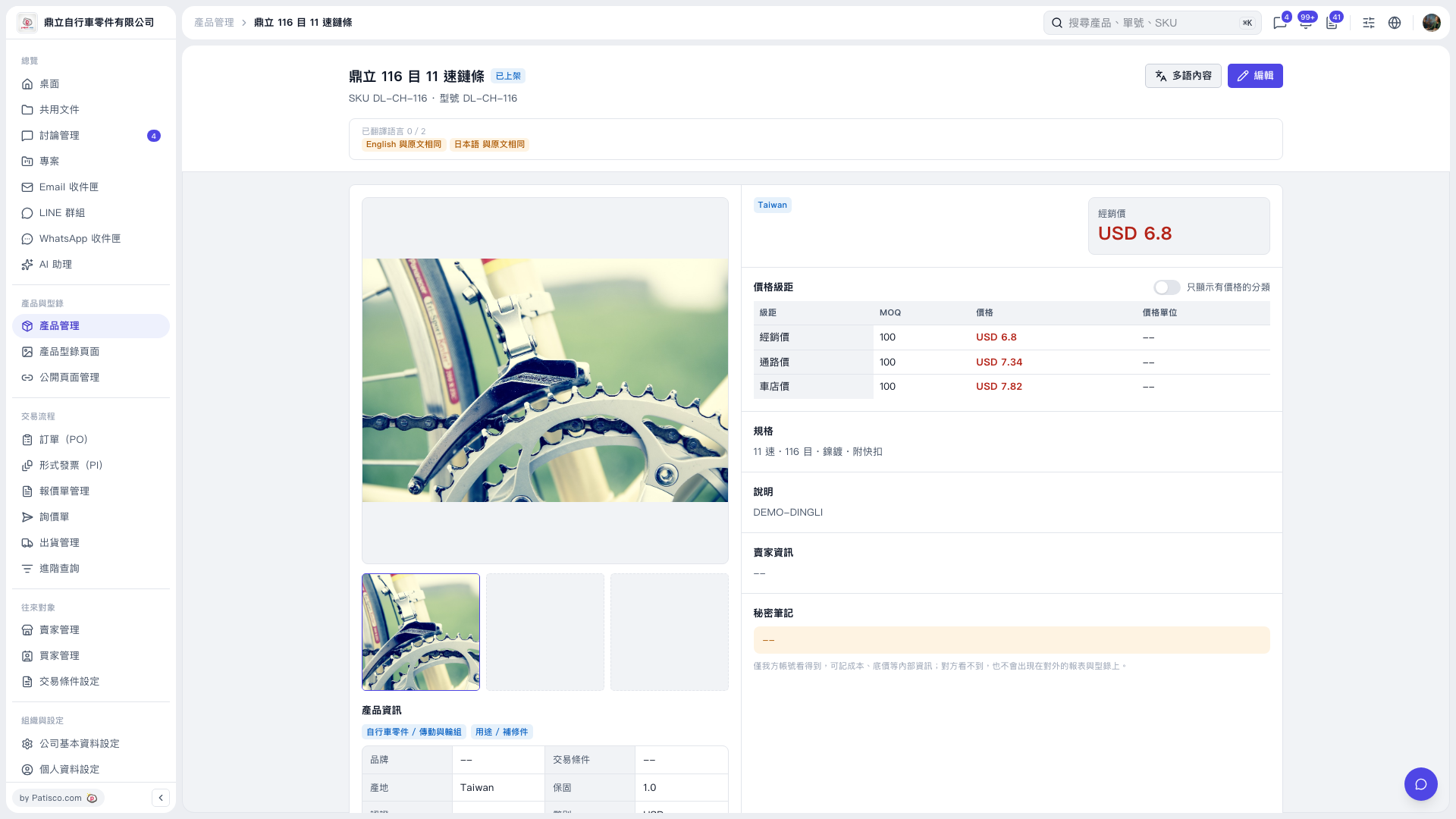
1. On the product details page, first check the "Product Name," "SKU," and "Model." 2. Review the product information, pricing tiers, and "Specifications." Click a product image thumbnail below the main image on the left to switch images. 3. In the upper-right corner of the pricing tiers section, toggle "Show Only Categories with Prices" to filter for categories with prices set. 4. To return to the product list, click "Product Management" in the left sidebar.
 V5 新桌面版|鼎立 116 目 11 速鏈條