
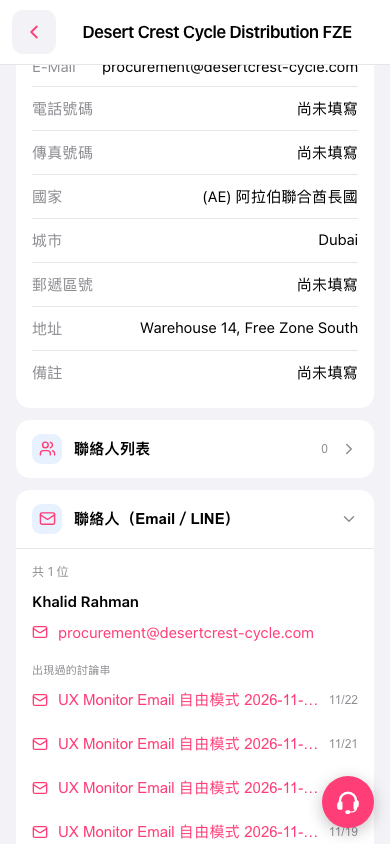
1. Find “Contacts (Email / LINE)” below the company information in the buyer details. If the section is collapsed, tap its header to expand it. 2. View the contacts’ names and email addresses. Tap an email link to contact that person. 3. Tap a subject under “Threads they have appeared in” to view the related correspondence. 4. To open the contact list, tap “Contact List” at the top.
 手機版|Desert Crest Cycle Distribution FZE