
1. Open the product detail page and verify the product name, SKU, and model to confirm it is the product you want to view. 2. View the product information, price tiers, and specifications; click on the product image thumbnails below the main image on the left side to switch between images. 3. If you want to view only categories with prices set, turn on "Show only categories with prices" in the upper right corner of the price tiers section.
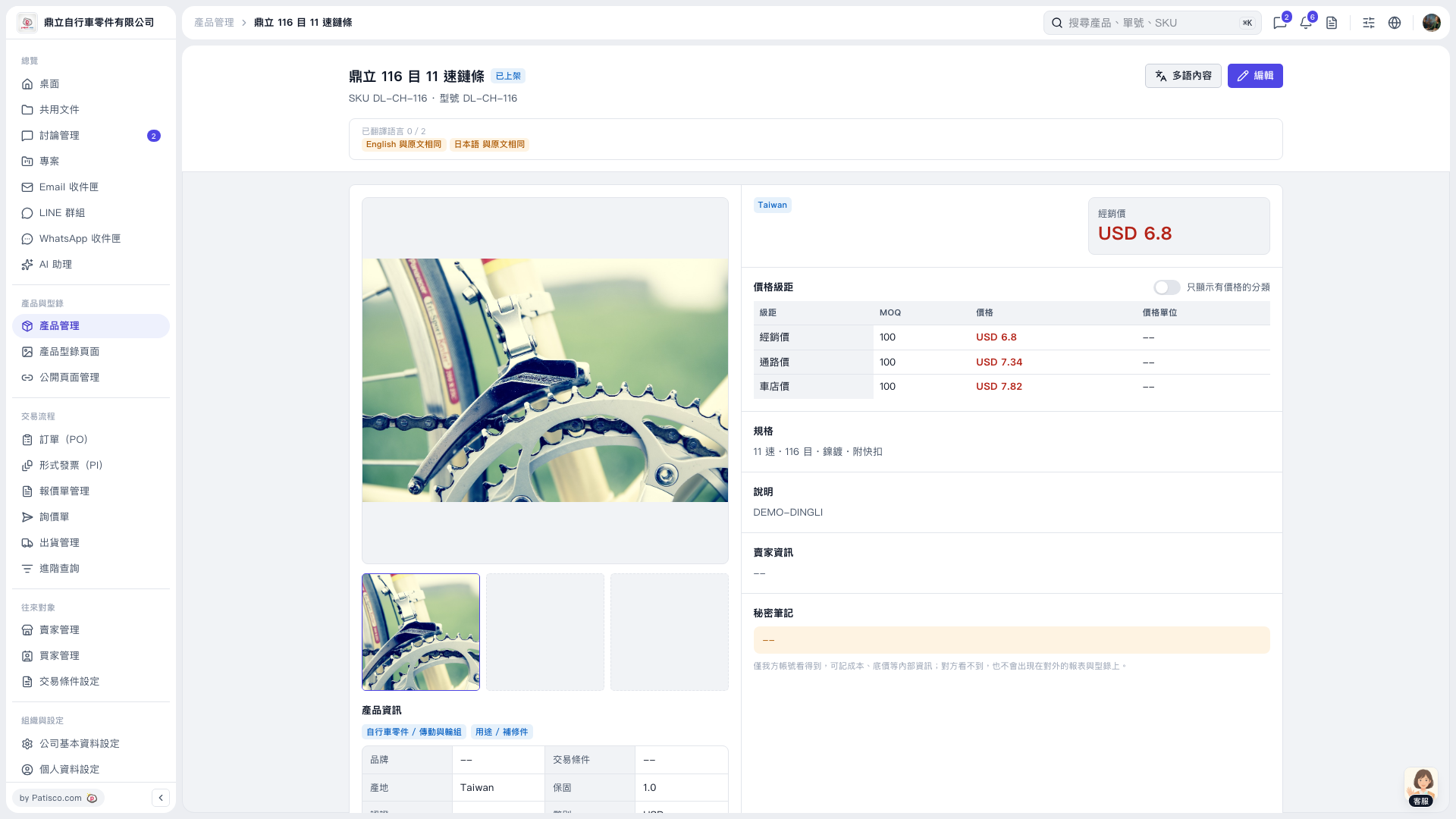 V5 新桌面版|鼎立 116 目 11 速鏈條