
1. Open the buyer page and confirm the status is "Not invited", then verify the contact person and email address. If you need to make changes, click [Edit] in the top right corner of "Company Information". 2. Click [Send Invitation] in the top right corner of the page. 3. Select one option each for "Select Trading Condition Setting" and "Select Catalog". Neither will be pre-selected, and [Send] will remain disabled until both are selected. 4. After selecting both, click [Send] to send the invitation. If you click [Cancel] to close without clicking [Send], no invitation will be sent.
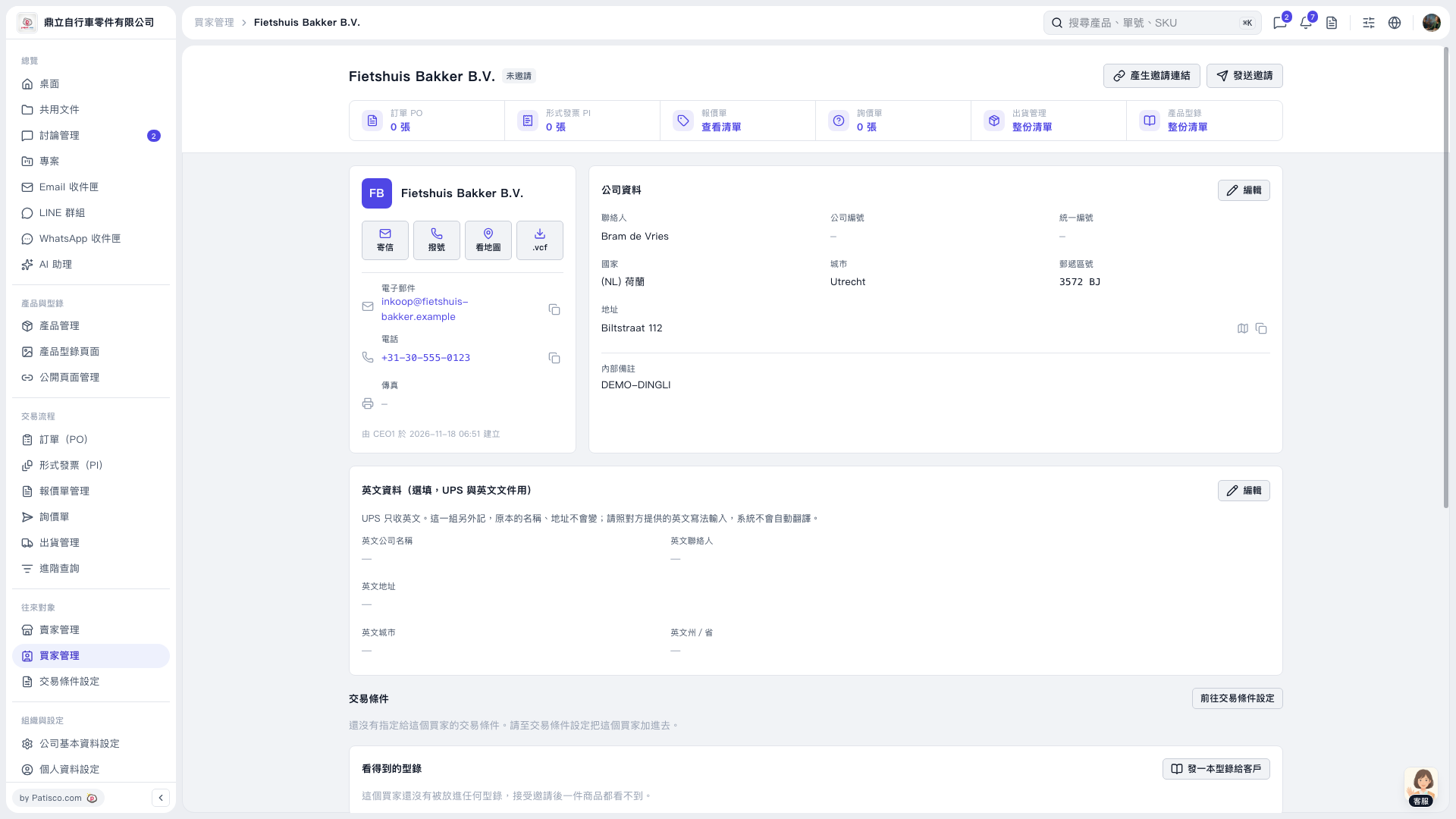 V5 新桌面版|Fietshuis Bakker B.V.