
1. On the buyer page, check the email address and contact information. To make changes, click [Edit] in the upper-right corner of the company information section. 2. Click [Send Invitation] in the upper-right corner of the page. 3. Select one item each under [Select Trading Condition Setting] and [Select Catalog]. Neither is selected by default. You must select both before you can click [Send]. 4. Confirm your selections and click [Send]. If you do not want to send the invitation, click [Cancel] to close the dialog. The invitation will not be sent.
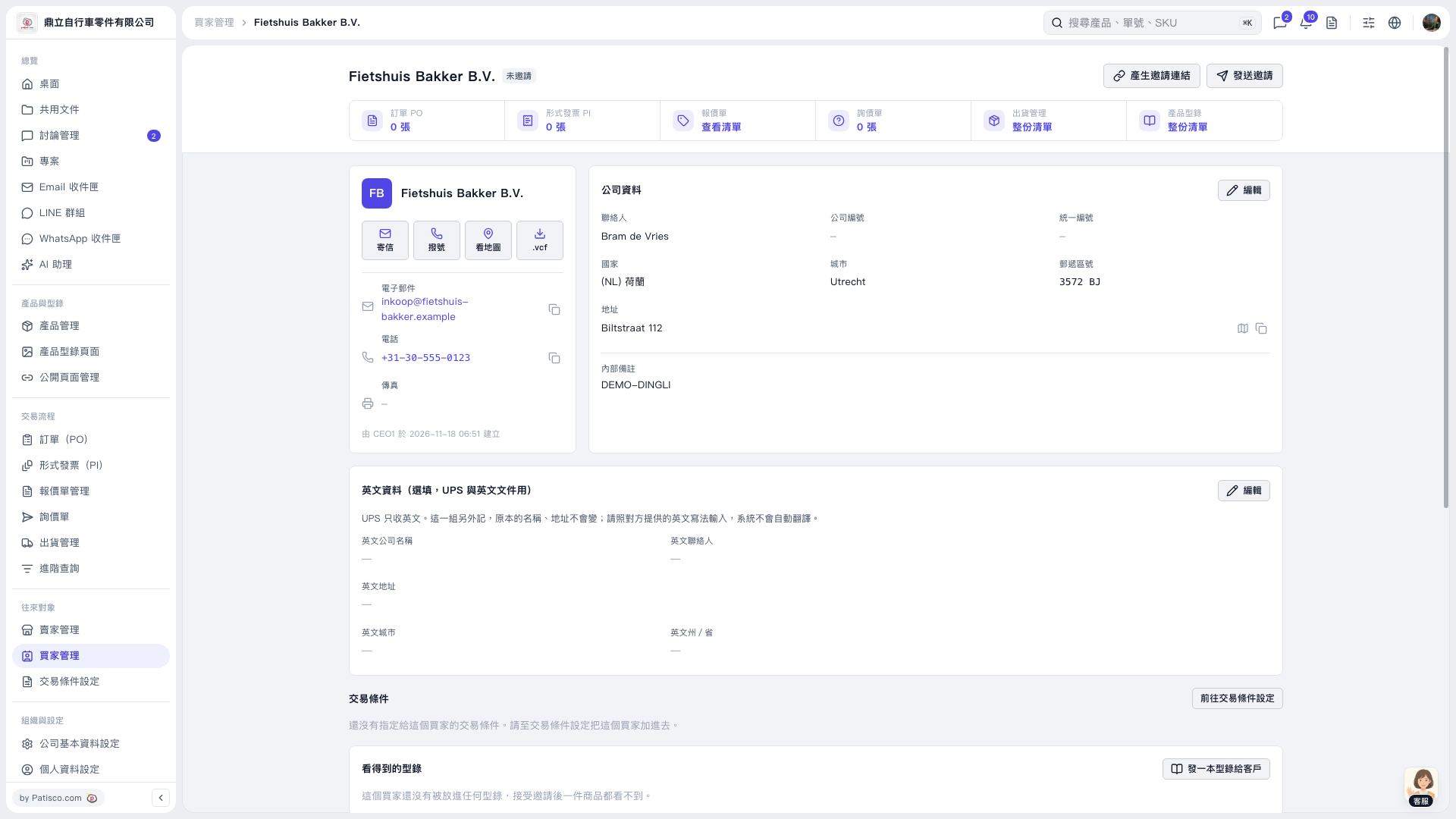 V5 新桌面版|Fietshuis Bakker B.V.