
1. Open the buyer details and confirm that the buyer shown at the top of the page is the one you want to view. 2. In the [Trading Conditions] section, view the trading condition name, cooperation terms, price tiers, quotation terms, payment methods, and other details. 3. To make changes, click [Go to Settings] in the upper-right corner of the section to open the Trading Condition Setting page for the set assigned to this buyer.
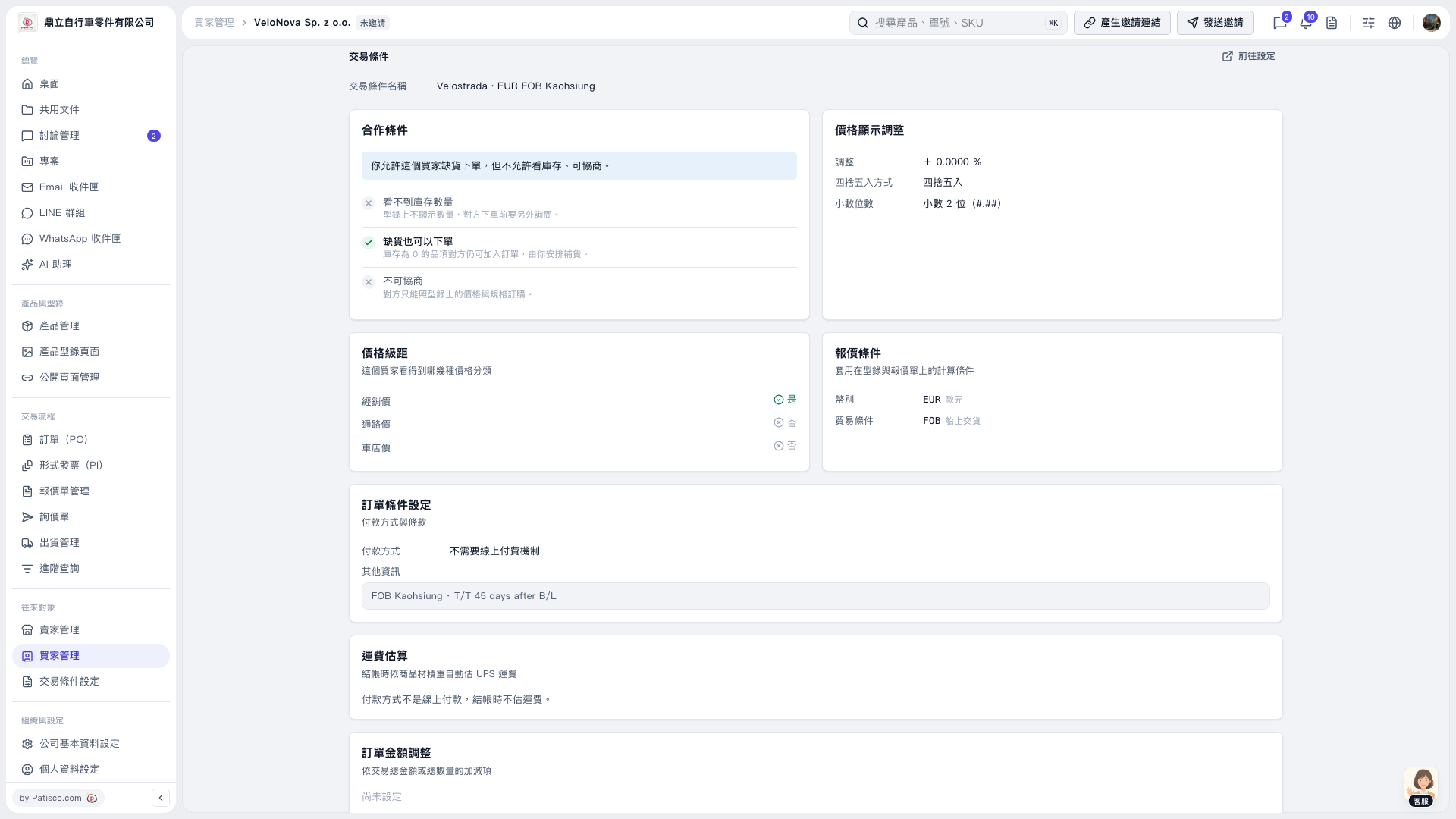 V5 新桌面版|買家詳情-交易條件