
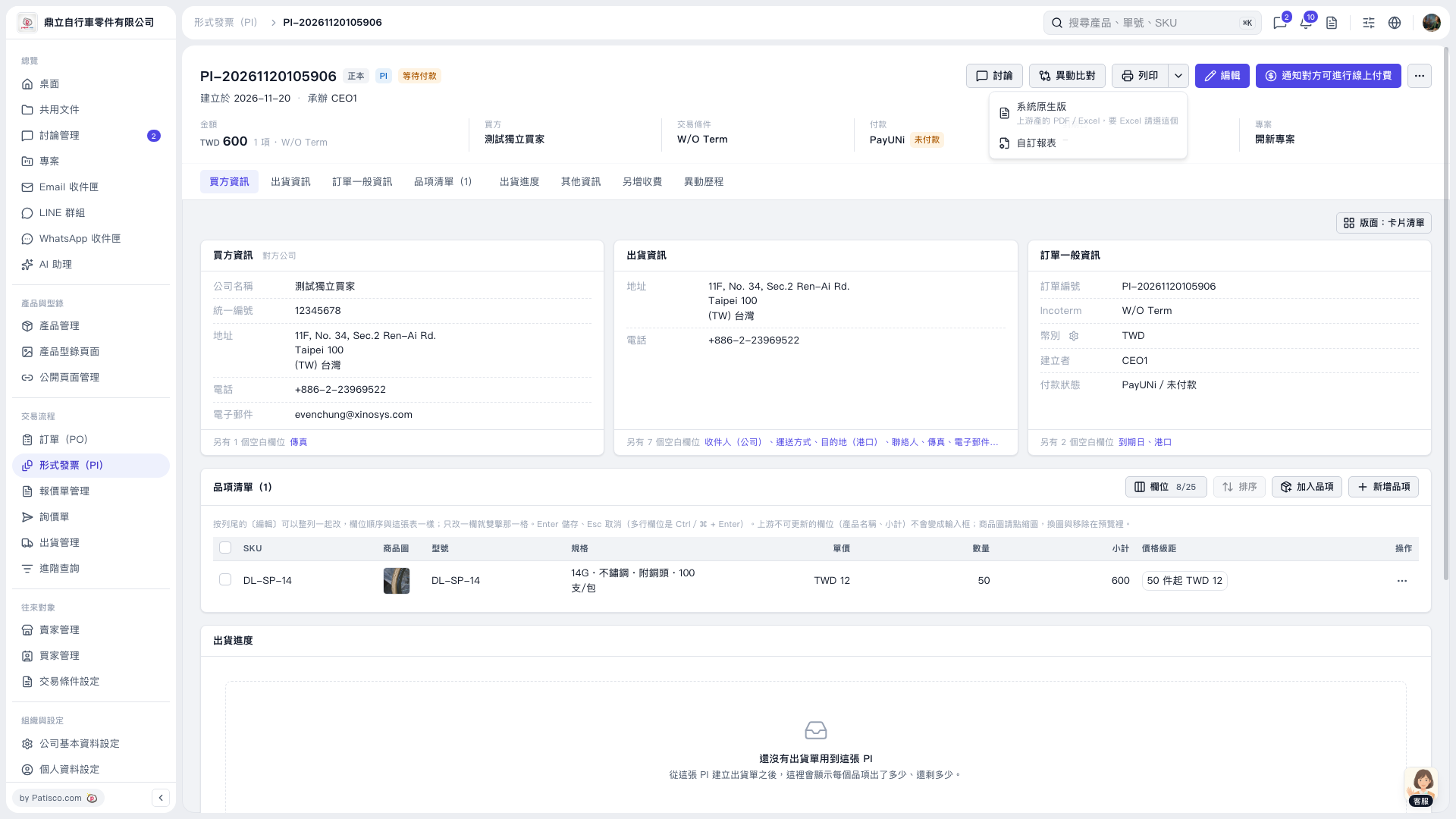
1. Open the Proforma Invoice you want to print, and check the buyer information, items, quantities, and amounts. 2. Click the dropdown arrow next to [Print] at the top right to expand the menu. 3. Choose [System native version] or [Custom report] as needed. If you need Excel, choose [System native version]. 4. Follow the next screens to finish exporting the report or setting up printing.
 V5 新桌面版|PI–20261120105906