
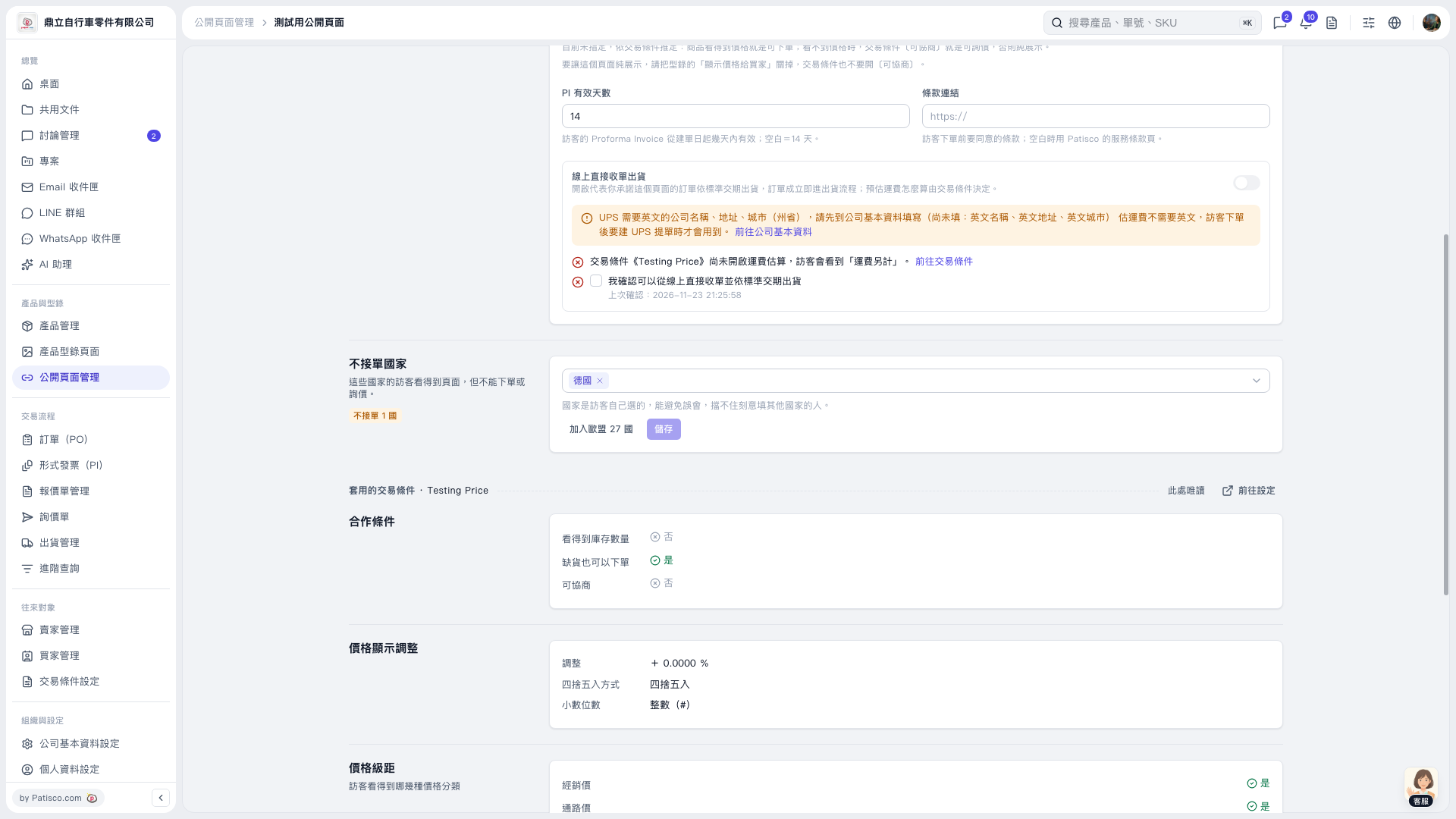
1. In the "Countries not accepting orders" section, open the dropdown and select the countries you want to restrict. 2. To add all EU countries at once, click "Add 27 EU countries"; to remove a selected country, click the "×" next to its tag. 3. After confirming the selected list, click "Save".
 V5 新桌面版|測試用公開頁面