
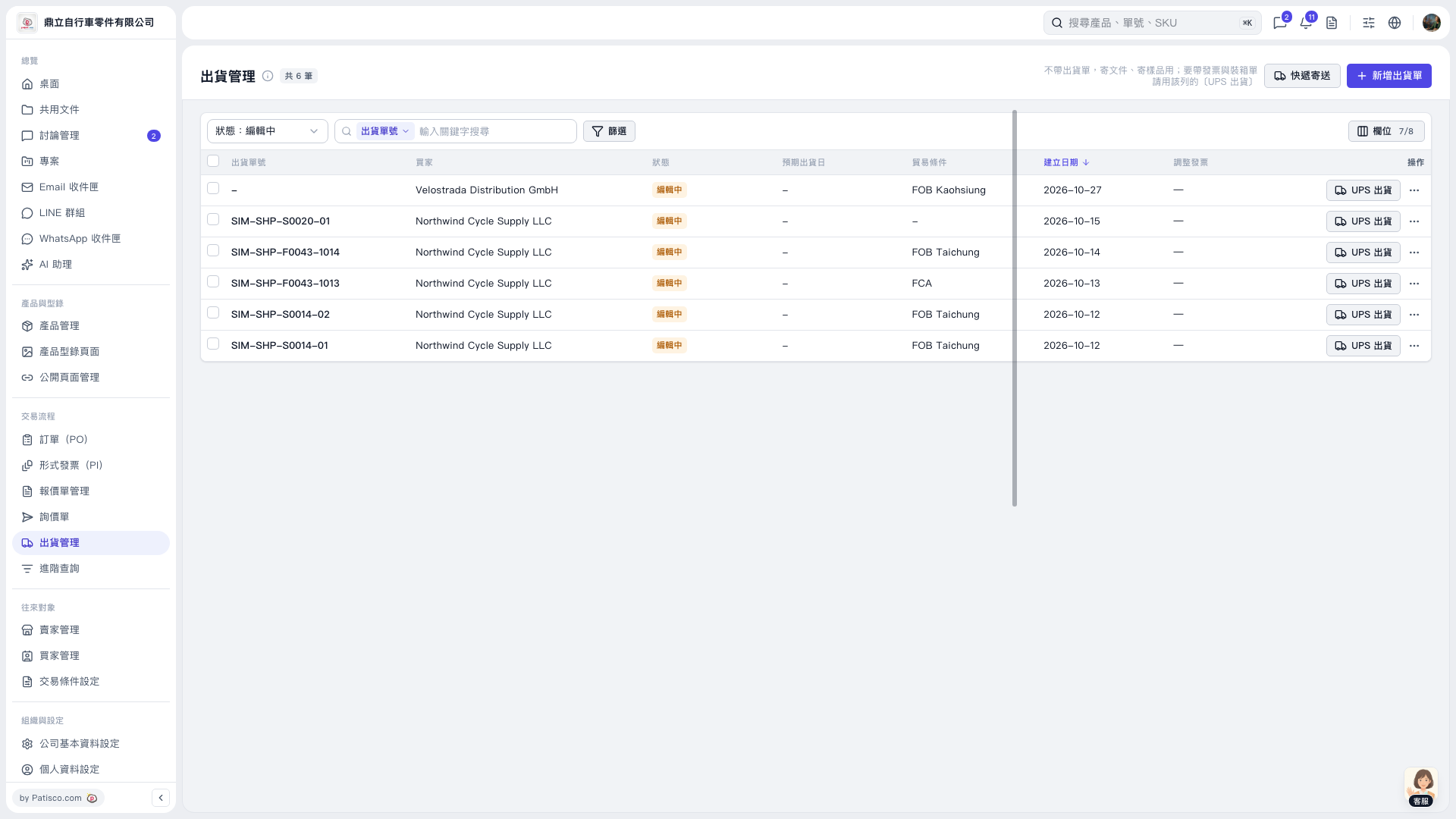
1. At the top of the Shipping Management list, select a shipment status, or search by entering a keyword in "Shipment No."; to narrow the results, click "Filter". 2. Check the shipment number, buyer, and trade terms of the shipment you want to send. 3. Click "UPS Shipping" at the right end of that row to enter the UPS shipping flow for this shipment.
 V5 新桌面版|出貨管理