
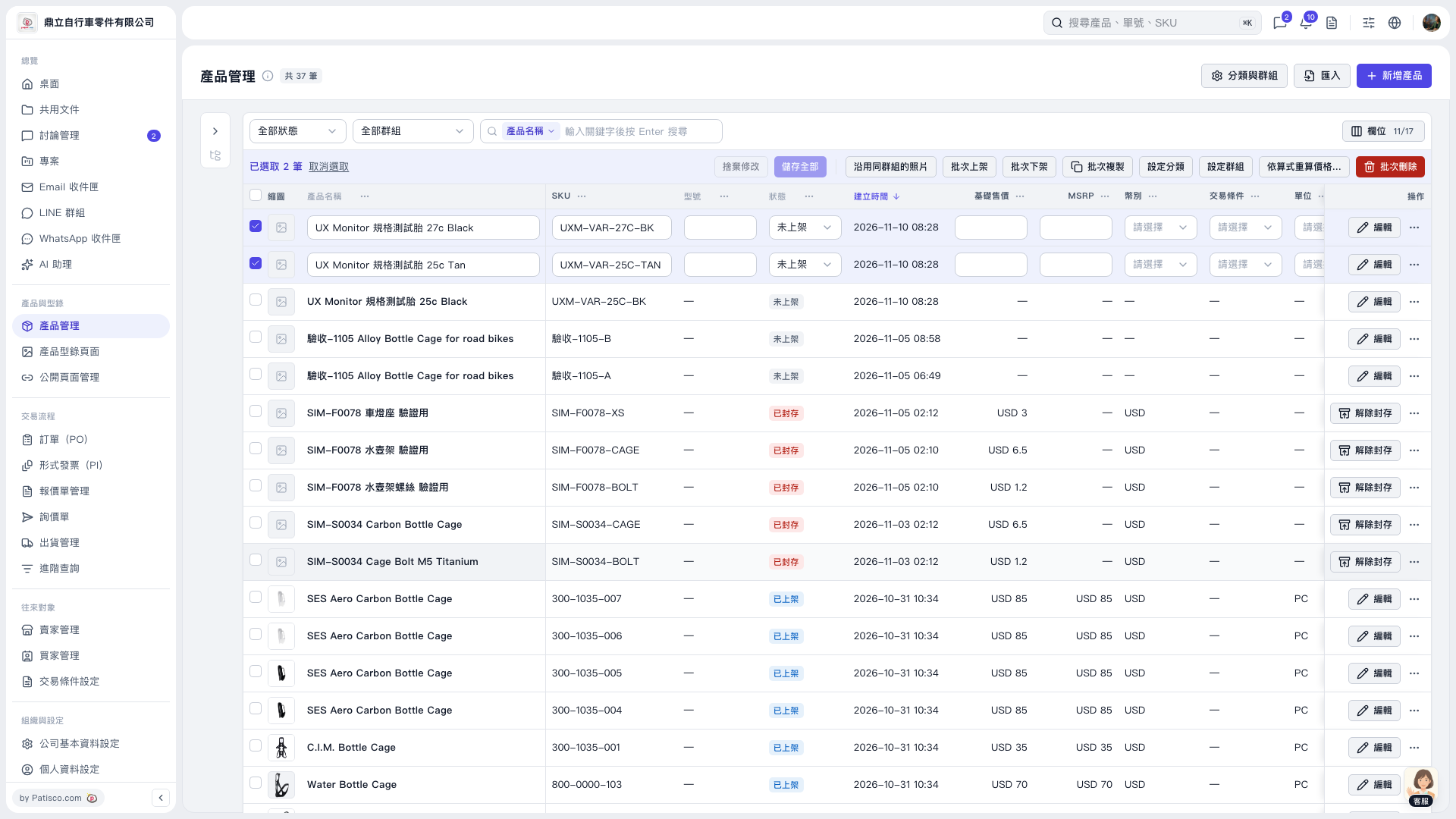
1. In "Product Management", filter products with "All statuses" or "All groups". You can also select "Product name" in the search area, enter a keyword, and press Enter to search. 2. Check the checkbox on the left of each product row you want to process. 3. Click "Recalculate prices by formula…" in the batch action bar to open the batch price recalculation operation. 4. To clear the selection, click "Deselect".
 V5 新桌面版|產品管理