
1. In the "Cart", check the product names and SKUs. 2. Click [-] or [+] on the right side of the item row to adjust the quantity. To remove an item you do not need, click the delete icon. 3. After confirming the total quantity and number of items, click [Create inquiry] to send an inquiry. 4. If you want to add other products, click [Continue shopping] to return to the catalog.
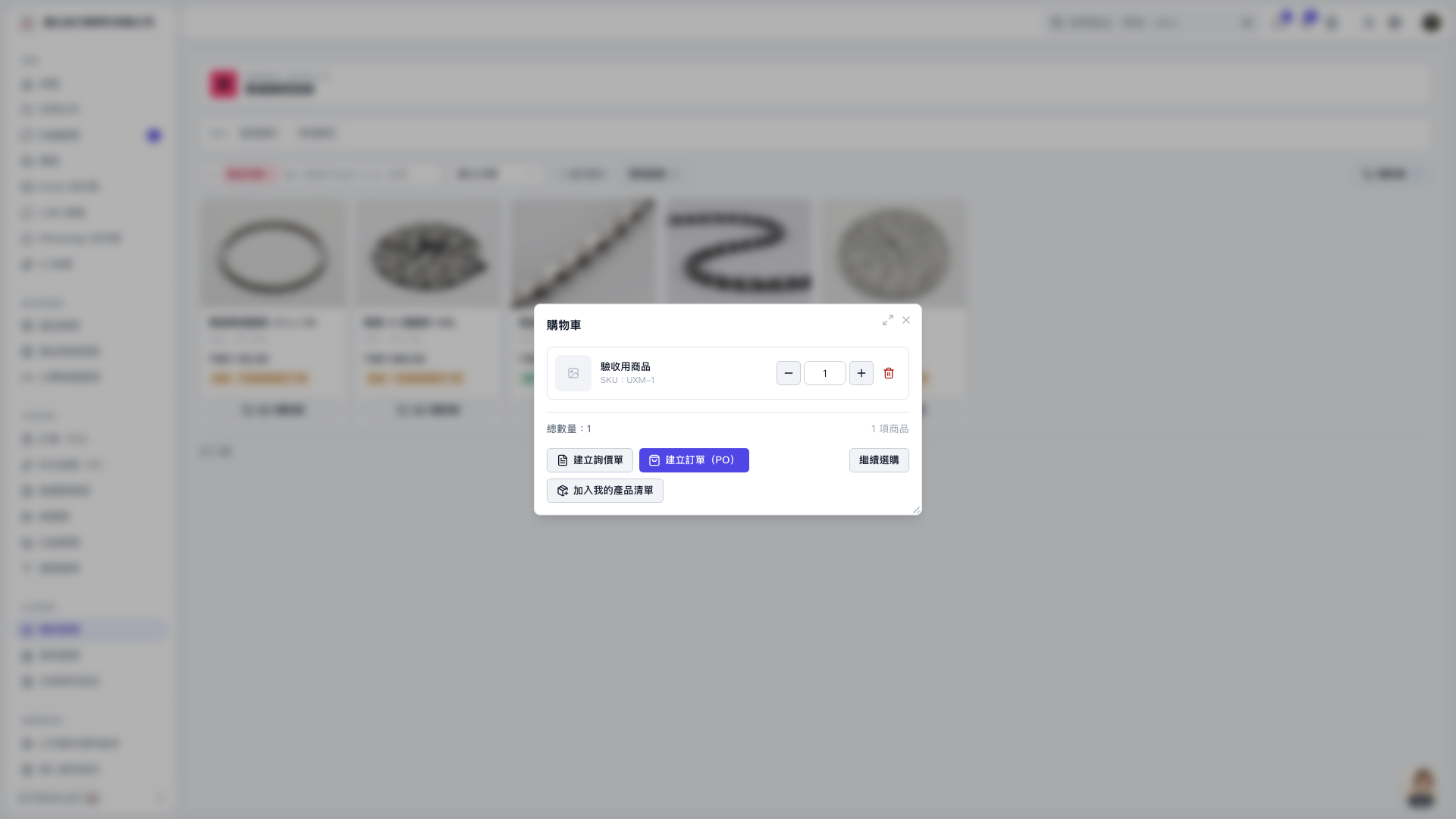 V5 新桌面版|購物車