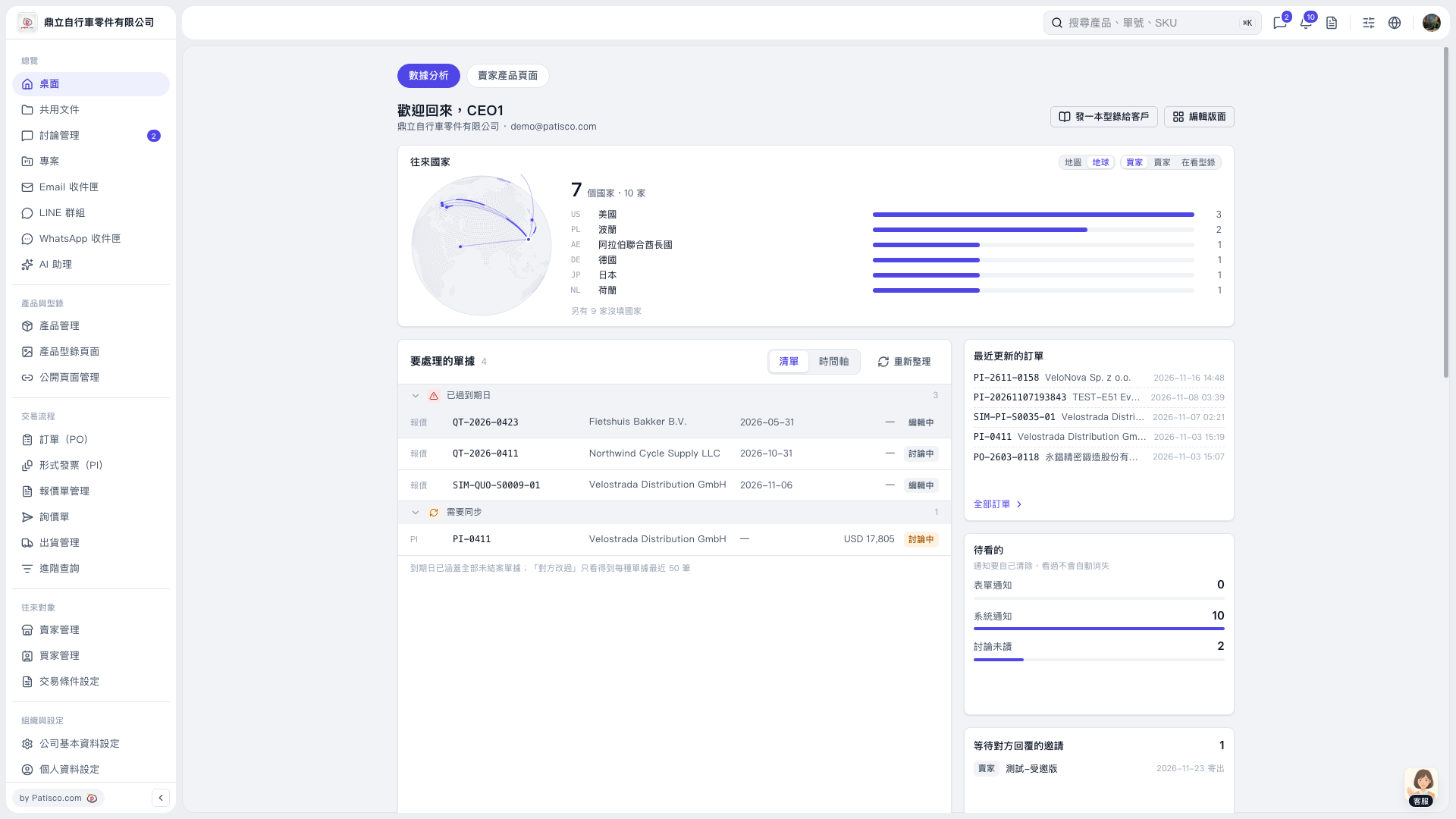
1. Find the "Recently updated POs" section on the right side of the desktop. 2. Click the document number you want to view to open the PO detail page. 3. To see the full PO list, click "All POs" at the bottom left of the section.
 V5 新桌面版|桌面/數據分析

1. Find the "Recently updated POs" section on the right side of the desktop. 2. Click the document number you want to view to open the PO detail page. 3. To see the full PO list, click "All POs" at the bottom left of the section.
V5 新桌面版|桌面/數據分析