
1. In "Documents to Process", check the "Past due date" and "Need sync" items, and identify the documents to handle by document number, partner company, due date and status. 2. Use the "List / Timeline" switch to change the view. 3. Click "Refresh" to reload the document data.
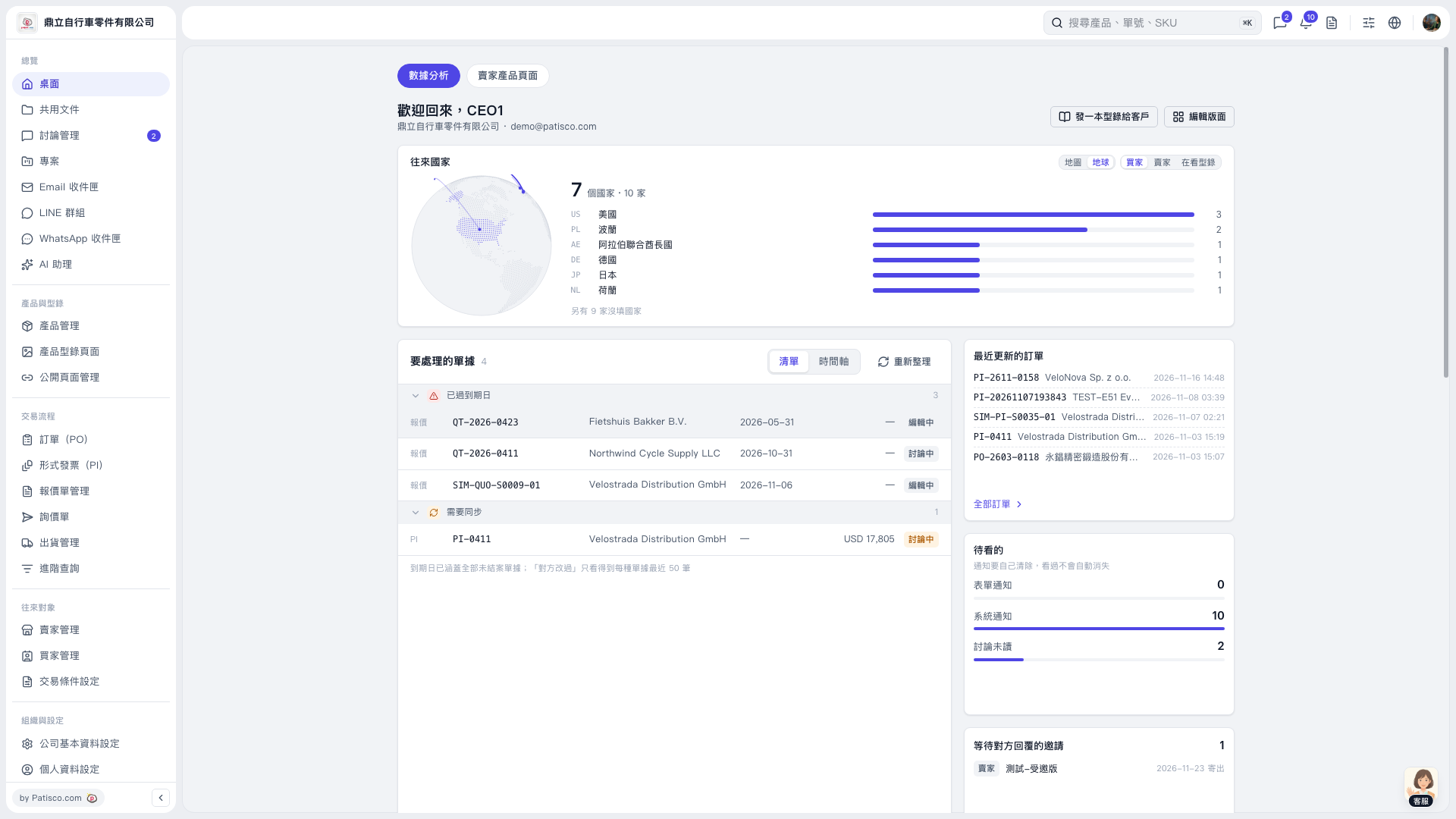 V5 新桌面版|桌面(數據分析)