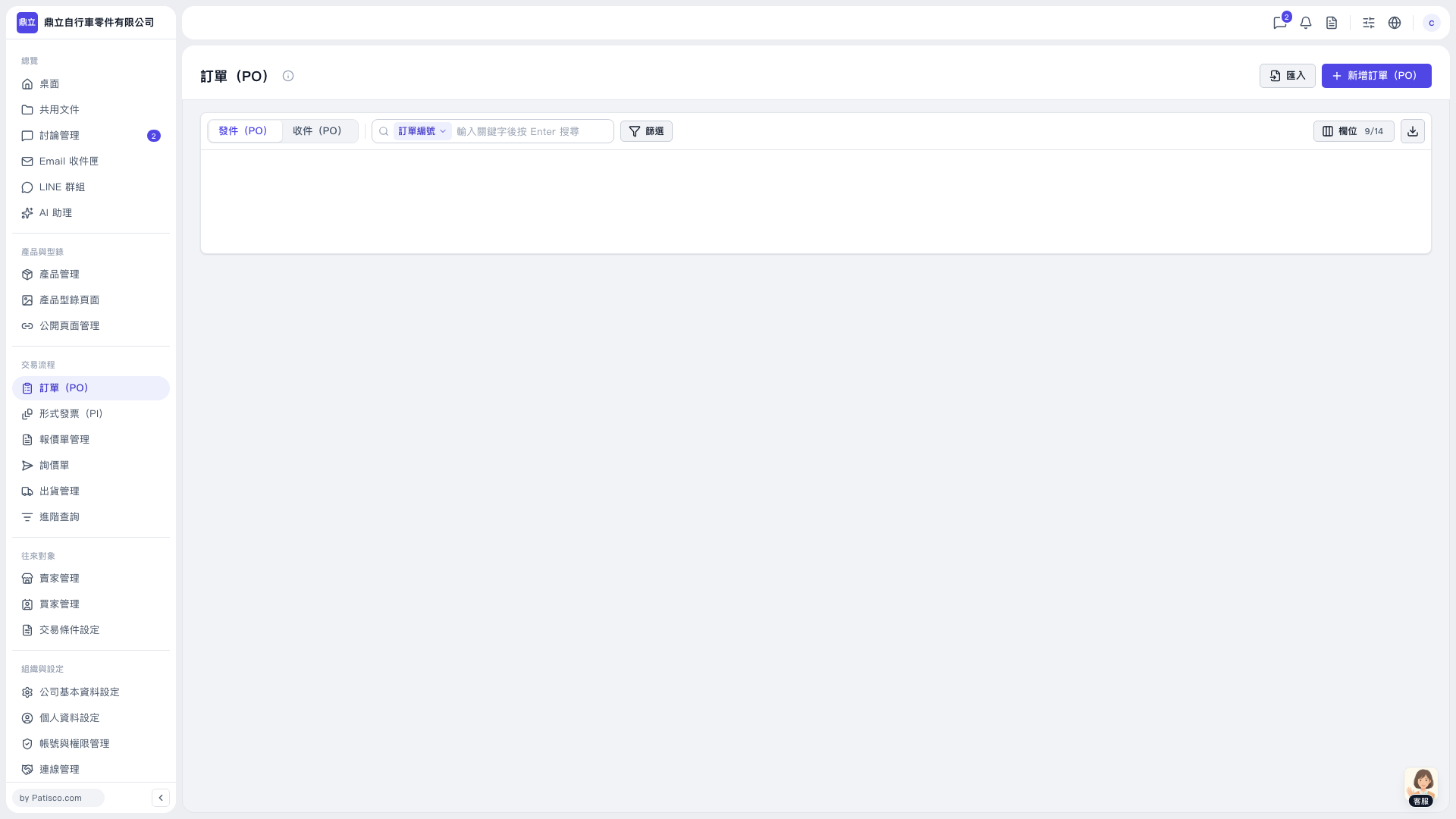
1. In the left sidebar, find "Transaction Flow" and click "PO" under it. 2. After the page opens, look at the tabs above the list. 3. To see the POs you issued, click "Sent (PO)"; to see the POs you received, click "Received (PO)".
 V5 新桌面版|訂單(PO)

1. In the left sidebar, find "Transaction Flow" and click "PO" under it. 2. After the page opens, look at the tabs above the list. 3. To see the POs you issued, click "Sent (PO)"; to see the POs you received, click "Received (PO)".
V5 新桌面版|訂單(PO)