
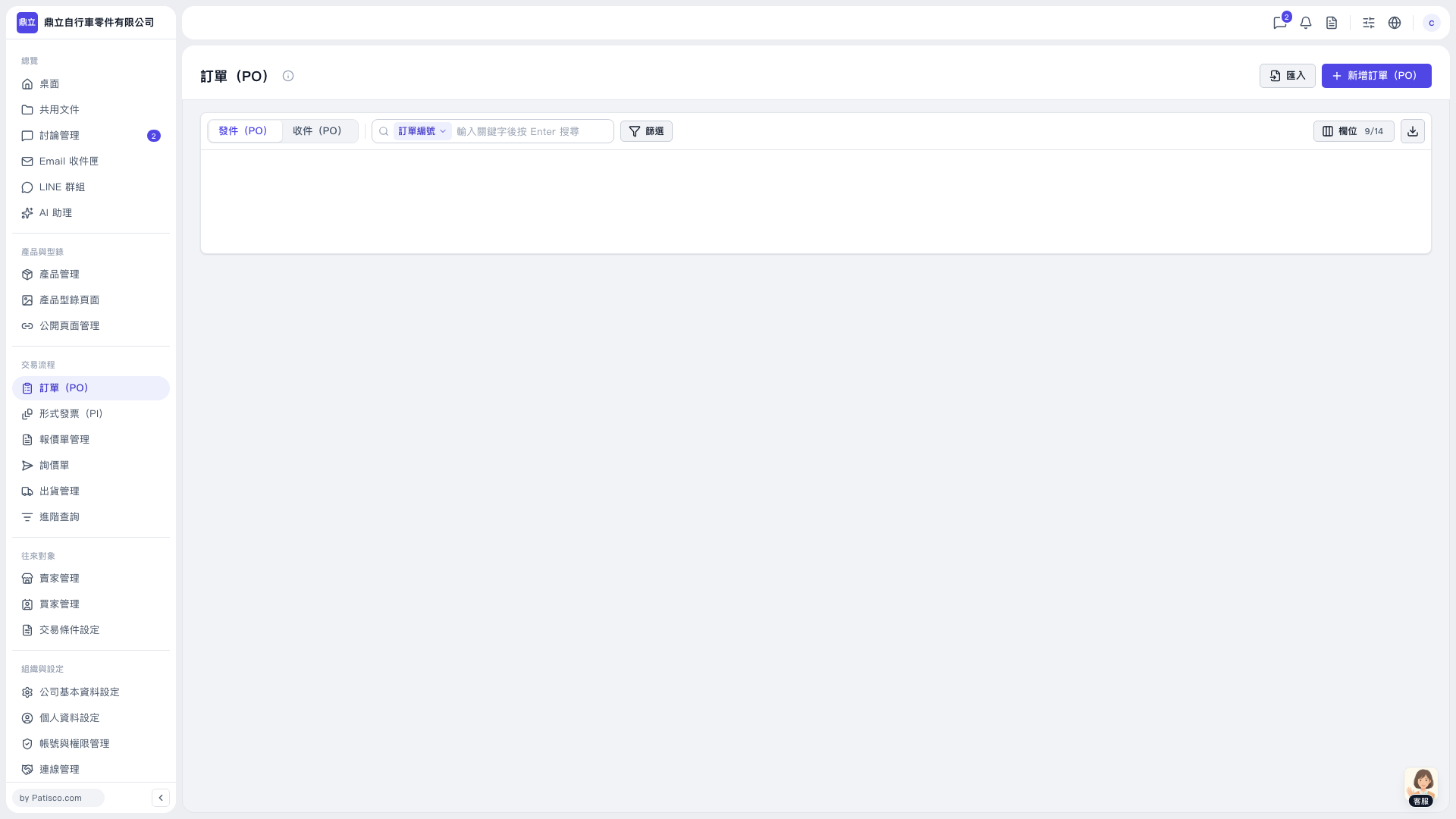
1. Find a PO: In the search box on the toolbar above the list, first choose a search field (for example "PO number"), enter a keyword and press Enter. You can also click "Filter" to the right of the search box and filter the list by conditions. 2. Create a PO: Click the blue-purple "New PO" button at the top right and fill in the form. 3. Bulk import: If you already have a PO file, click "Import" to the left of "New PO". 4. Adjust the table: Click the column setting on the right side of the toolbar (it shows something like "Columns 9/14") and select the columns to display. 5. Export the list: Click the download icon at the far right of the toolbar.
 V5 新桌面版|訂單(PO)