
1. In the left sidebar, under "Organization & Settings", click "Profile Settings". 2. Scroll to the "Passkey login (Touch ID / Face ID)" section. If you haven't registered one yet, you will only see the [Add Passkey] button, with no list of registered Passkeys. 3. Click [Add Passkey]. 4. Follow the browser or system prompt and verify with Touch ID / Face ID, or your device's fingerprint or face recognition. 5. Once registration is complete, you can log in with the Passkey next time without entering a password. If you suspect someone else is using your account, click [Log out other devices] in the same section. This invalidates your Patisco logins on other computers and phones (Google / Microsoft / Passkey logins are not affected).
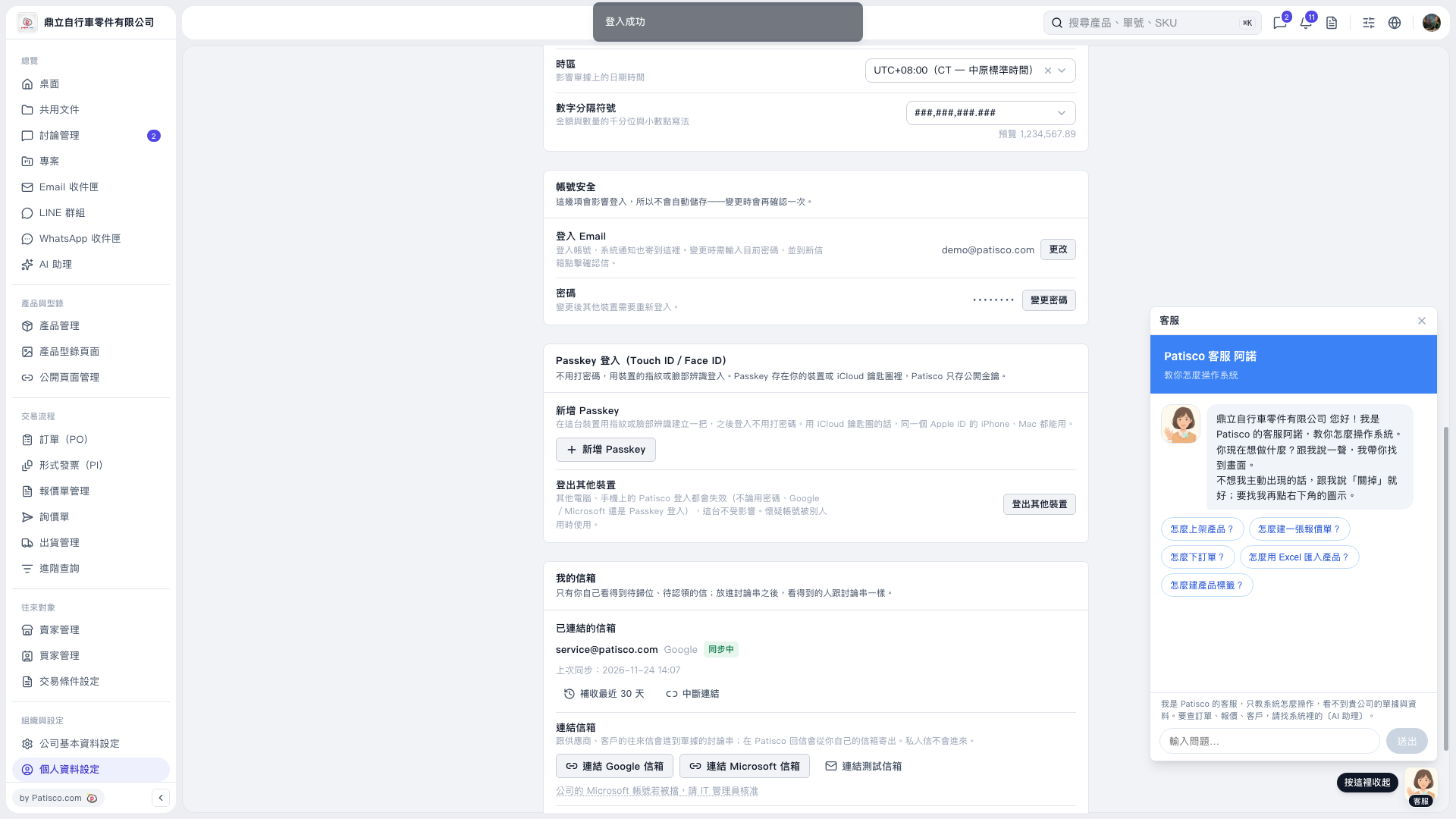 V5 新桌面版|個人資料設定